Booked on WhatsApp, reminded on WhatsApp, kept in your calendar.
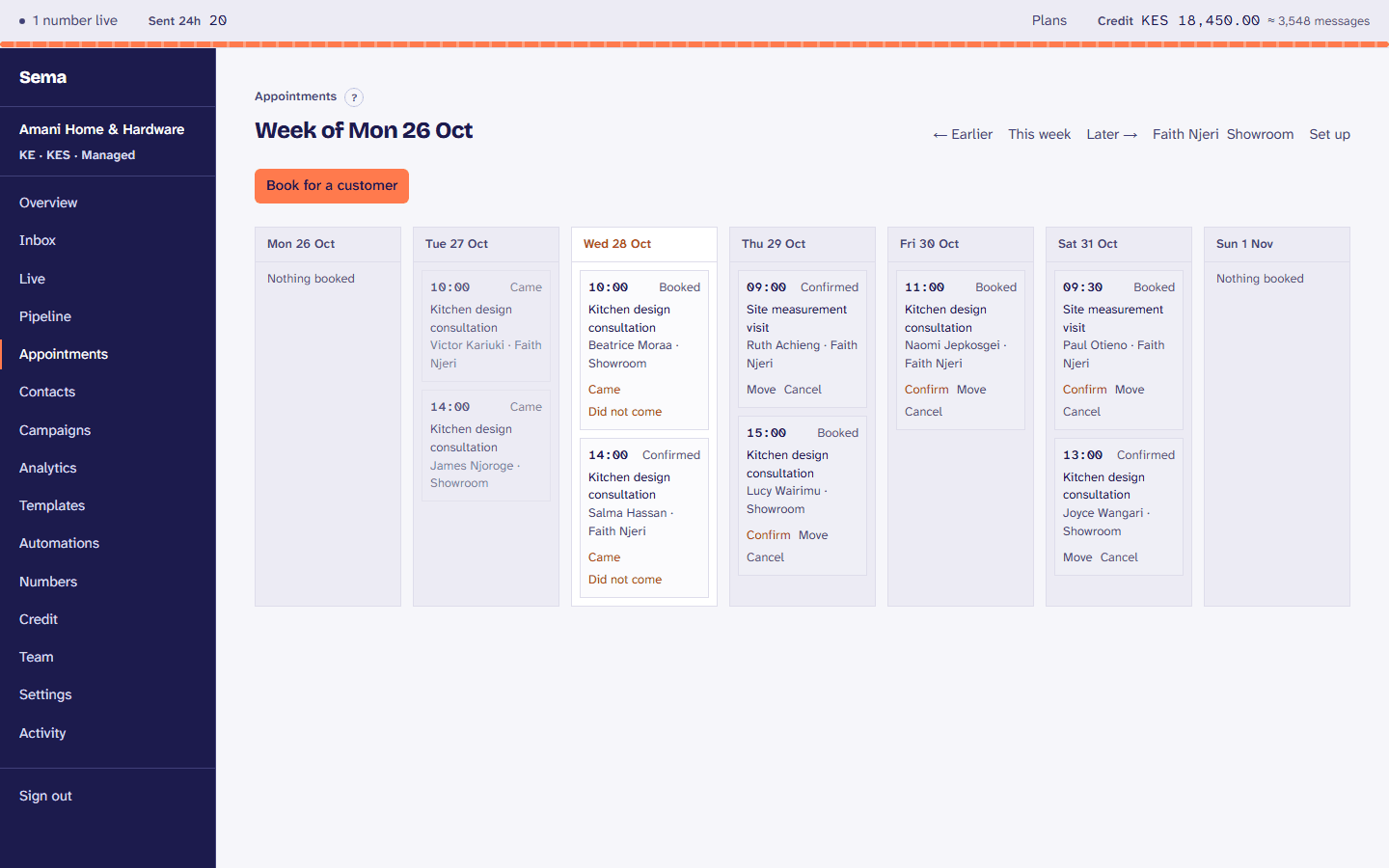
A customer asks for a time in the chat or picks one on your booking page. They get a confirmation and a reminder; your team sees the week, and each person’s Google or Outlook calendar has it.
How a business uses it
- 1
Set what you offer
Your services, how long each takes, and who or what is booked: a person, a room, a chair.
- 2
Customers book
From the chat, or from your booking page, at times that are really free.
- 3
Reminded
A confirmation at once, and reminders the day before and the hour before.
- 4
Moved or cancelled
By the customer from their own link, or by your team, and the calendar follows.
What it does
A booking page
Your services and the free times, for customers to book without writing.
Google Calendar and Outlook
Appointments in each person’s calendar, and their busy times never booked over.
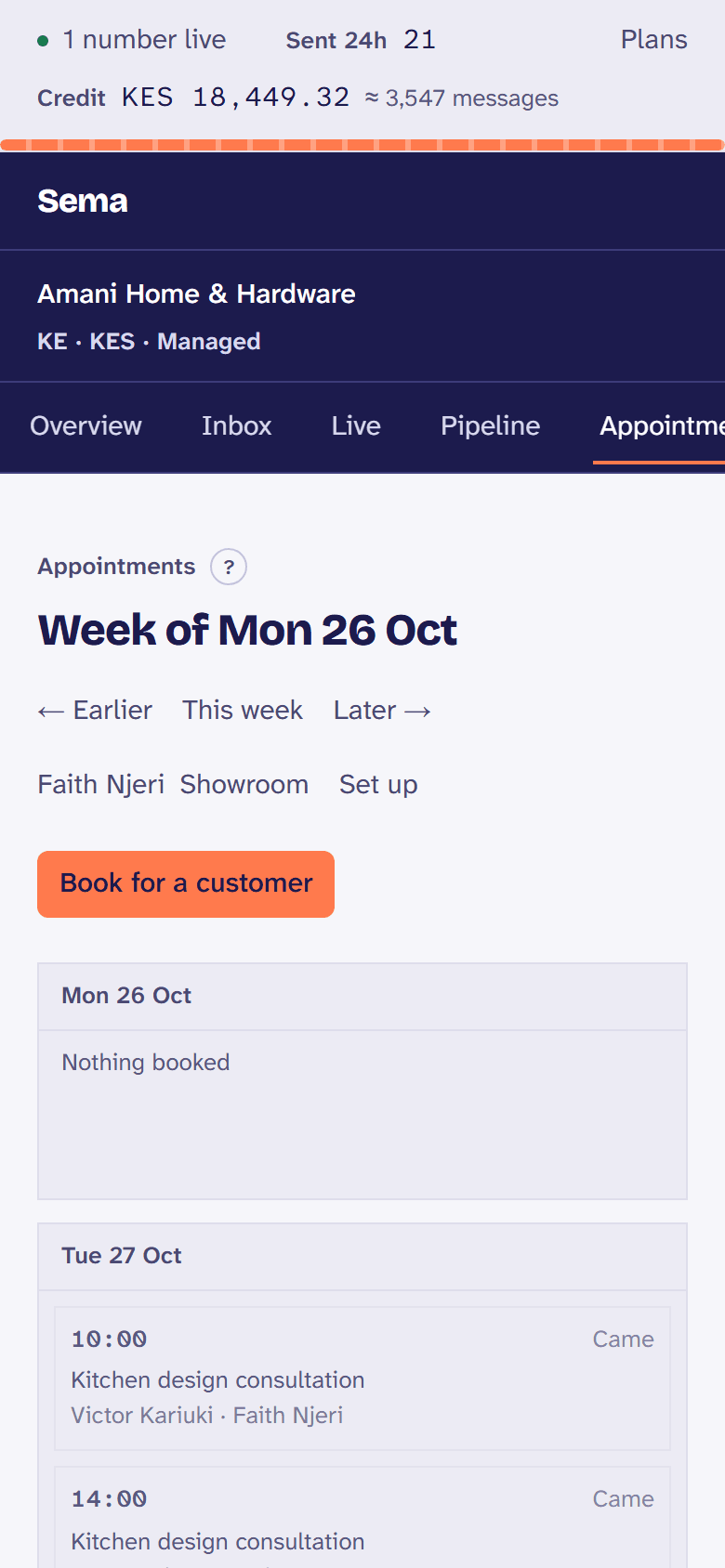
The week at a glance
Who is booked when, confirmed or not, and who came.
From your systems
Free times and bookings through the API.
Try it with your own customers.
Every step is in the appointments, in the Help Centre.