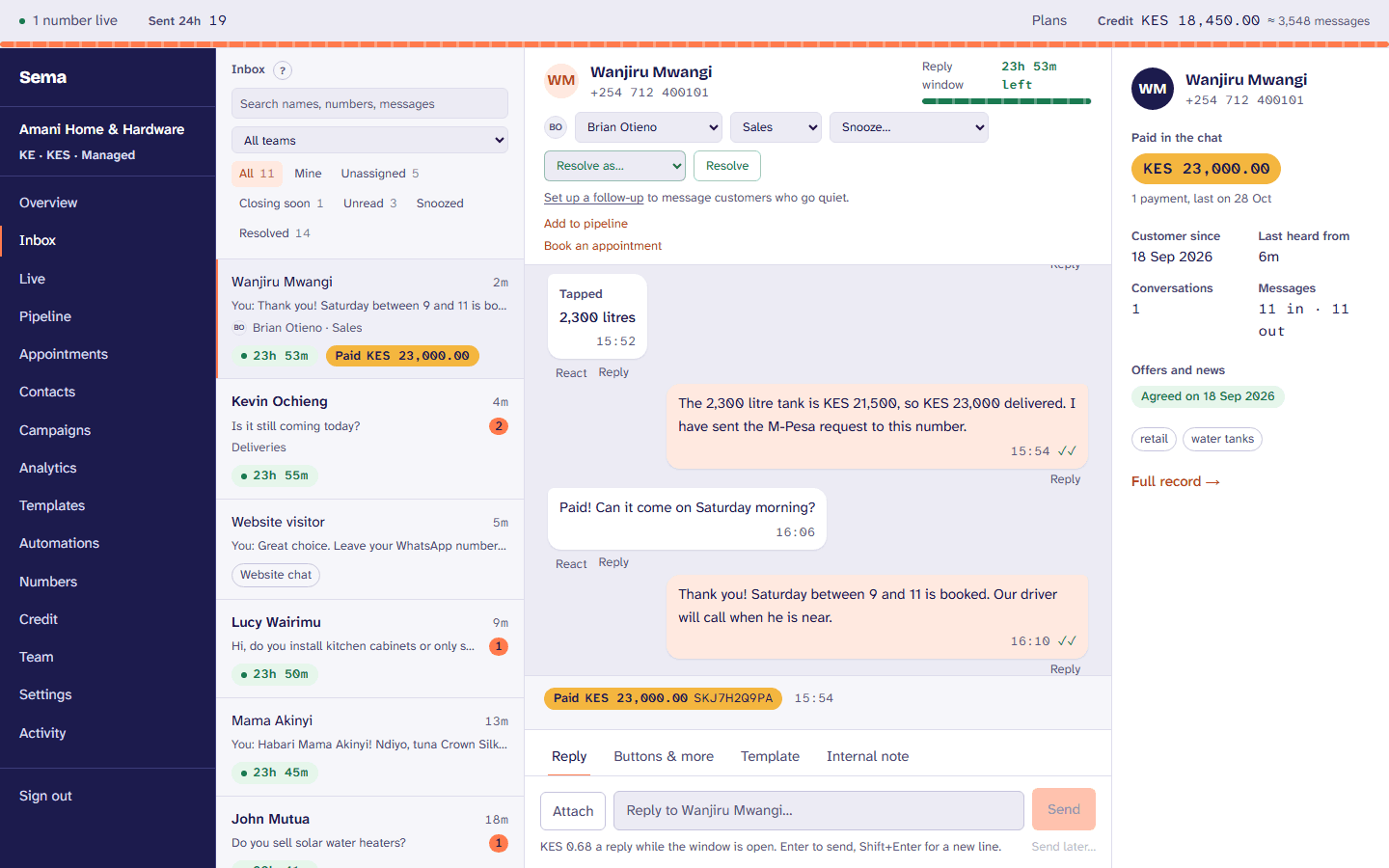
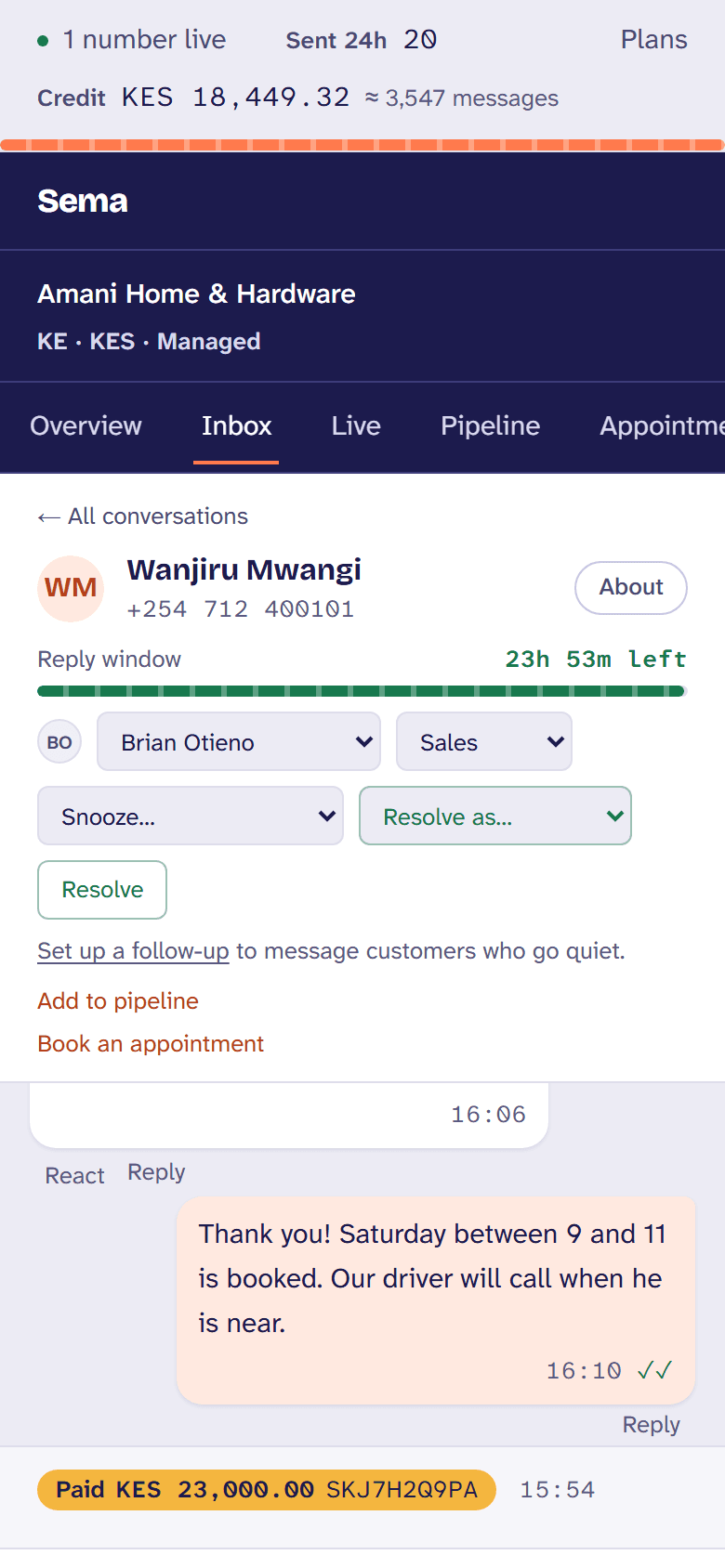
Paid by M-Pesa in the chat, and confirmed by M-Pesa.
The customer has chosen; your team sends the M-Pesa prompt from the conversation, into your own paybill or till. It shows as paid, with the receipt, only once M-Pesa itself confirms it.
How a business uses it
- 1
Connect your paybill or till
Your own: the money goes to you, not through Sema.
- 2
Ask in the chat
An amount and a reference, sent as an M-Pesa prompt to the customer’s phone.
- 3
Paid, and proved
Shown as paid with the receipt once M-Pesa confirms it, never on the customer’s word or a message alone.
- 4
Your system hears
A signed webhook to your own system, and every payment on the customer’s card and in your reports.
What it does
Your own paybill or till
Payments go straight to your business; Sema charges a small fee per payment, shown before you start.
Confirmed by M-Pesa
Sema asks M-Pesa itself before saying a payment was made.
Orders in the thread
A cart from your catalog arrives in the conversation with each item and its price.
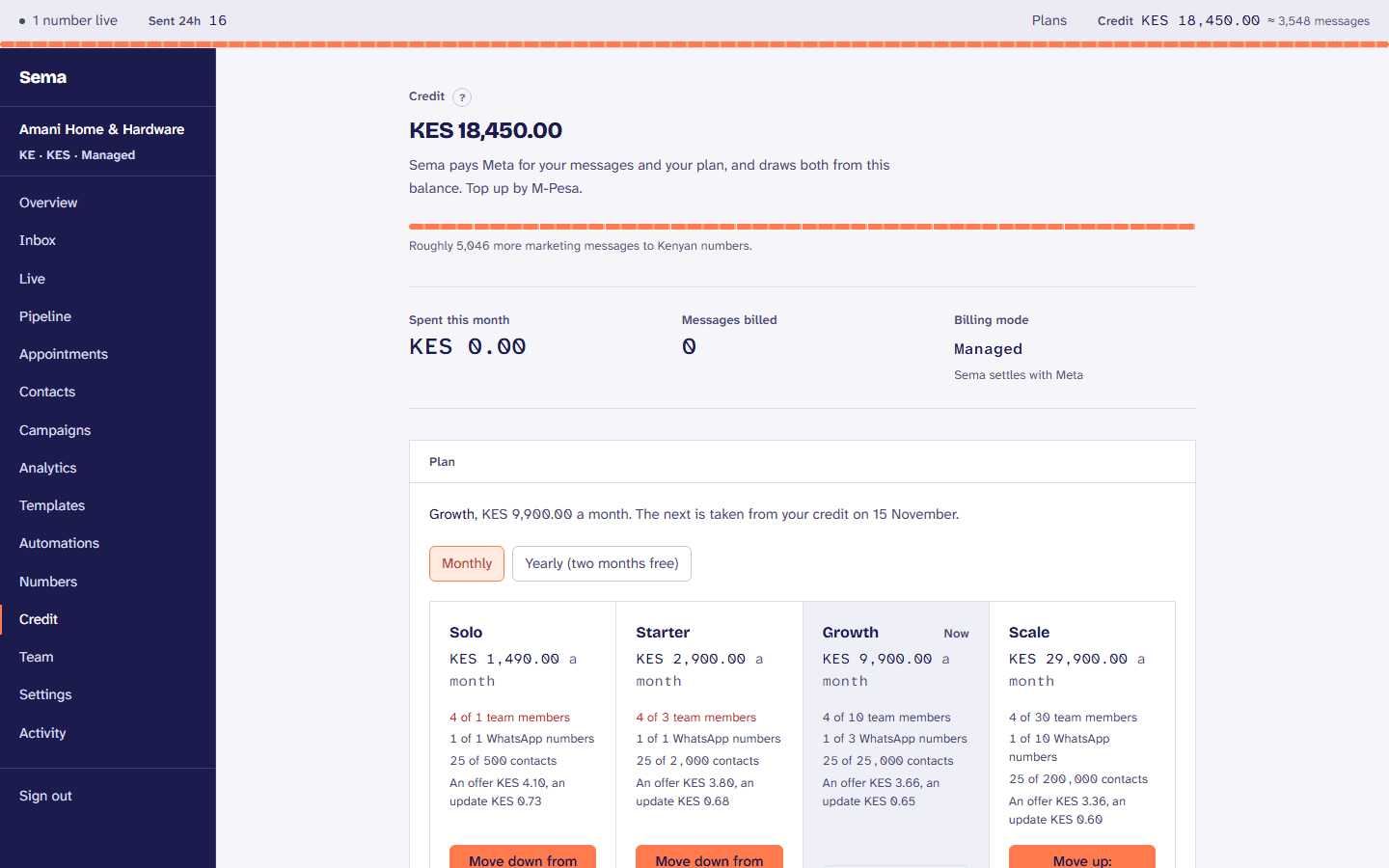
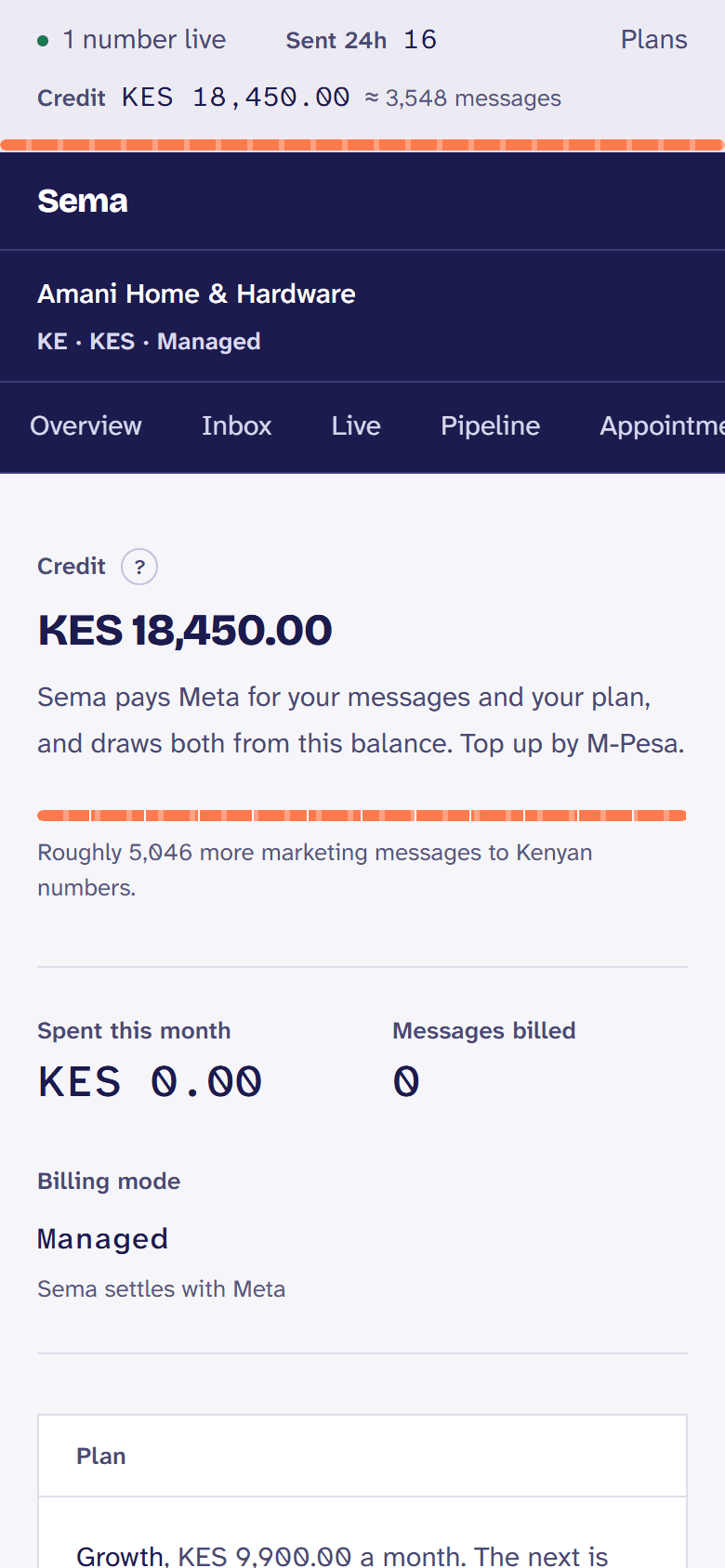
Credit by M-Pesa or card
Your Sema credit topped up by M-Pesa, or by card through Paystack, with a statement carrying your KRA PIN.
Try it with your own customers.
Every step is in the getting paid, in the Help Centre.