Everything it does, and what it does not.
Every line below is something built and tested. What is not built yet is at the bottom of the page, in plain words, because you will find out anyway, and it is better you hear it from us.
One inbox, the whole team
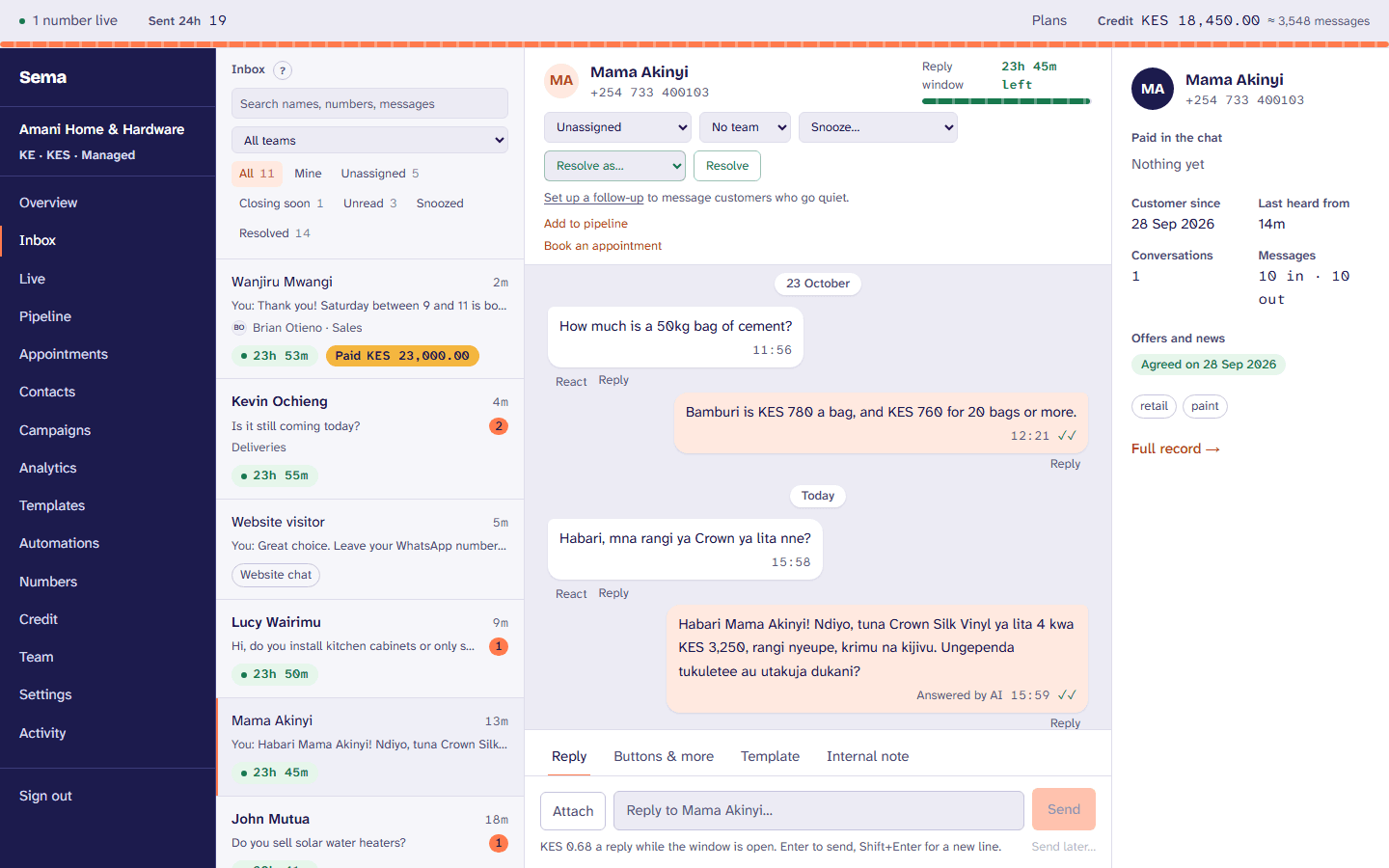
Your WhatsApp number, answered by everyone who should answer it. From a browser, with a record of who said what.
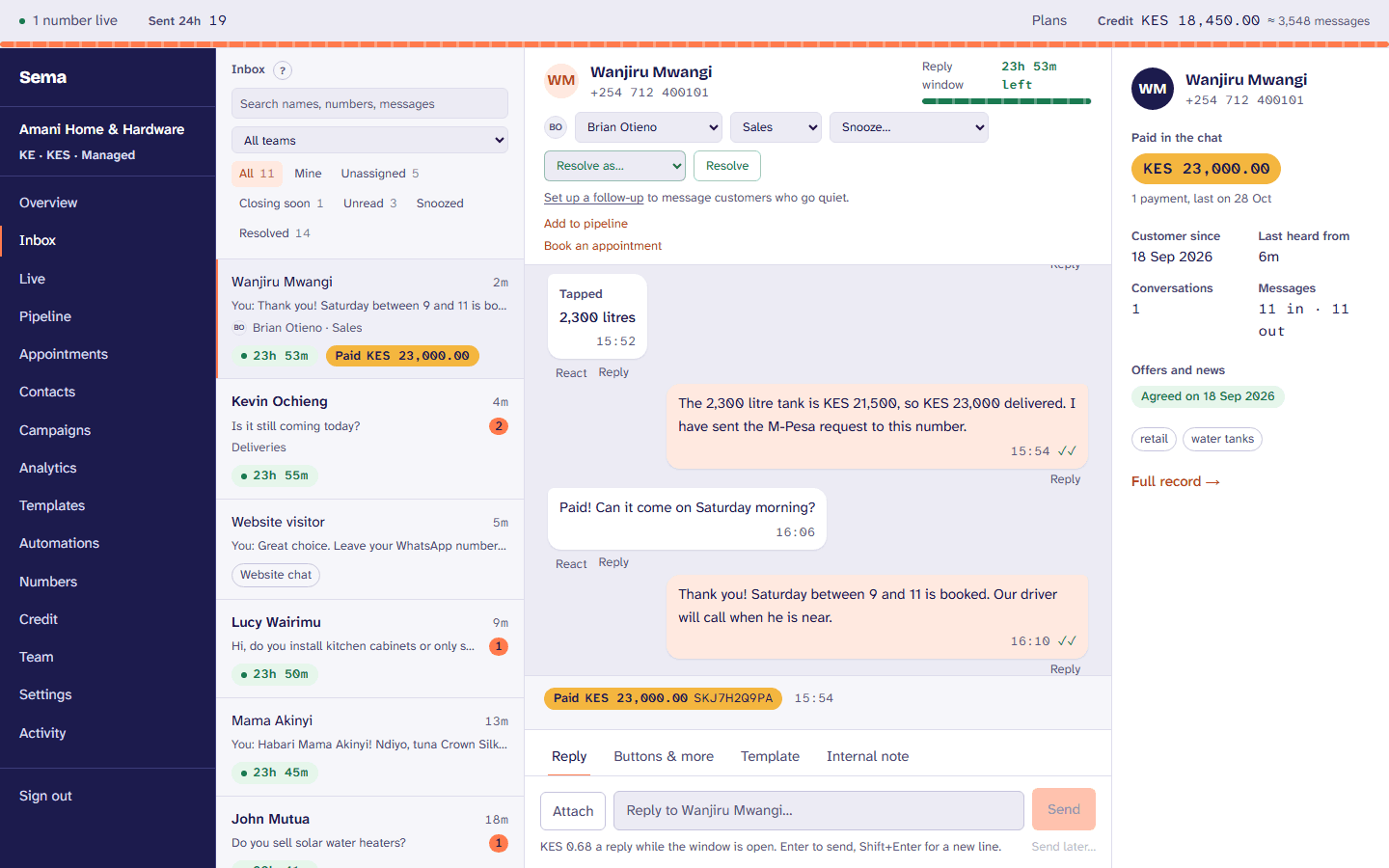
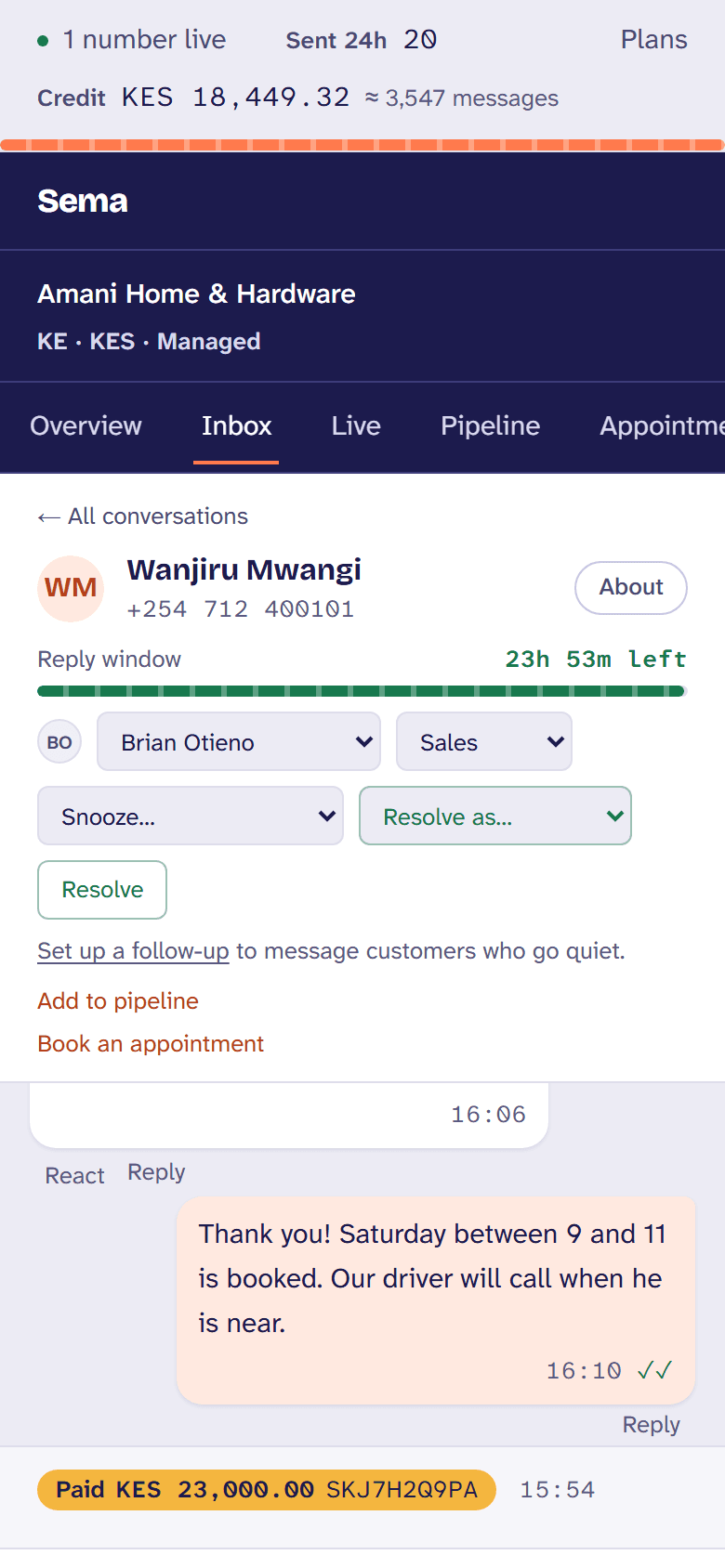
The 24-hour window, shown
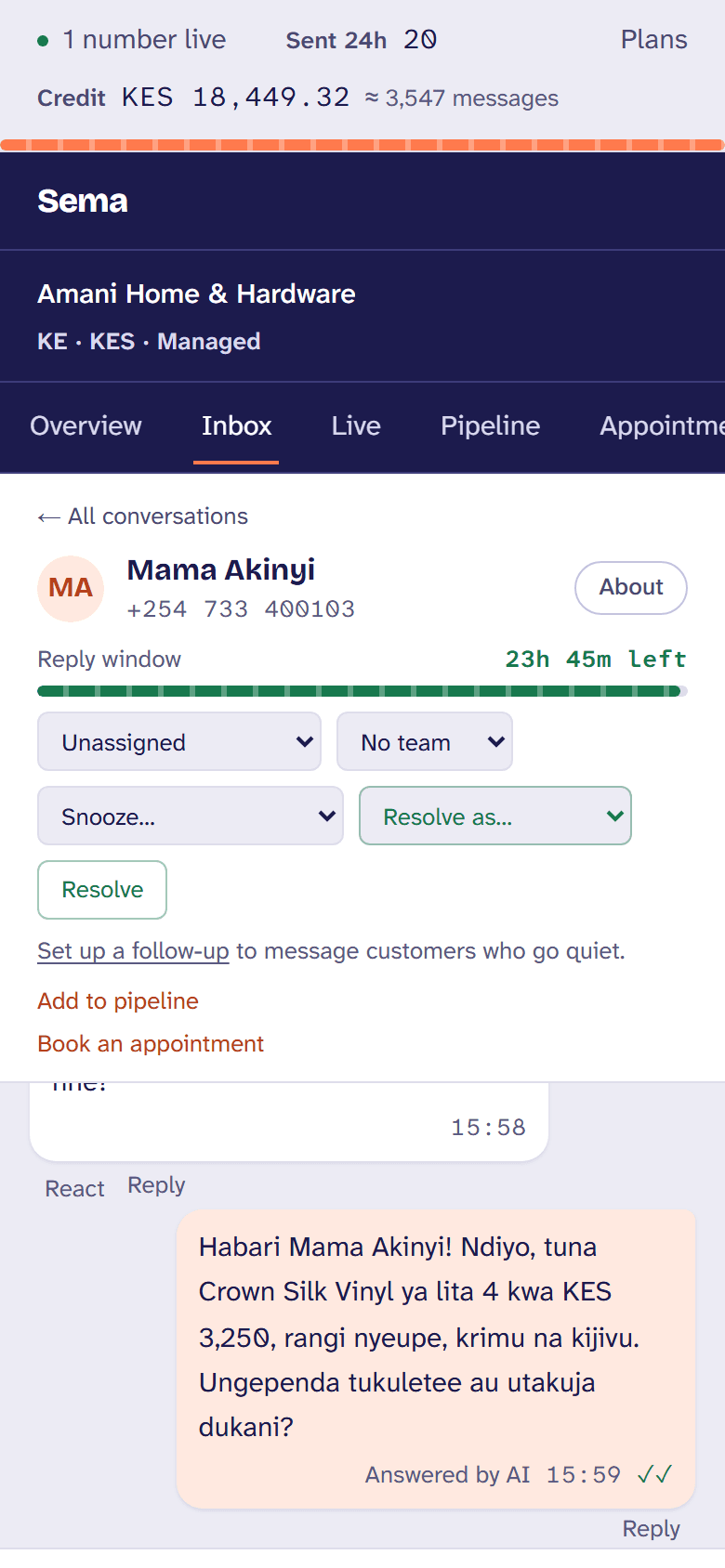
Every conversation counts down the 24 hours you can reply in, with anything you like. When it closes, the reply box switches to approved templates and shows what one will cost.
Teams, shared out in turn
Sales, support, accounts: a number routes to a team, and new conversations go to whoever is next and taking conversations. Anyone can mark themselves away.
Who is on it, right now
See who else has a conversation open and who is typing, so two people do not answer the same customer. The customer sees “typing…” on WhatsApp too.
Notes, saved replies, search
Internal notes the customer never sees. Saved replies on a slash, with the customer’s name filled in. Search every conversation by name, number or words.
Everything WhatsApp can carry
Photos, documents, voice notes, locations, contact cards, reactions and quotes, plus buttons, lists and links for the customer to tap instead of type.
Snooze, resolve, send later
Snooze until Monday morning, resolve with a reason your reports can count, and schedule a message for 9am in your own time zone.
Live supervision
Owners and managers see who is waiting and for how long, who is answering, and can take a conversation over, hand it on, or leave a note the customer never sees.
The customer beside the chat
What they have paid, when they first wrote, the advert they came from, their tags, and whether they agreed to offers.
Notifications on a phone
Install Sema on your phone’s home screen and a new customer message tells whoever would answer it.
Chat on your website
One line on your site puts a chat in its corner. Visitors’ messages arrive in the same inbox, the AI answers there too, and a visitor who leaves a number carries on with you on WhatsApp.
Usernames
Customers who write to your WhatsApp username, with their number hidden, reach the inbox and are answered like anyone else.
Answers that run themselves
The questions you answer forty times a day, answered once. And a person the moment it needs one.
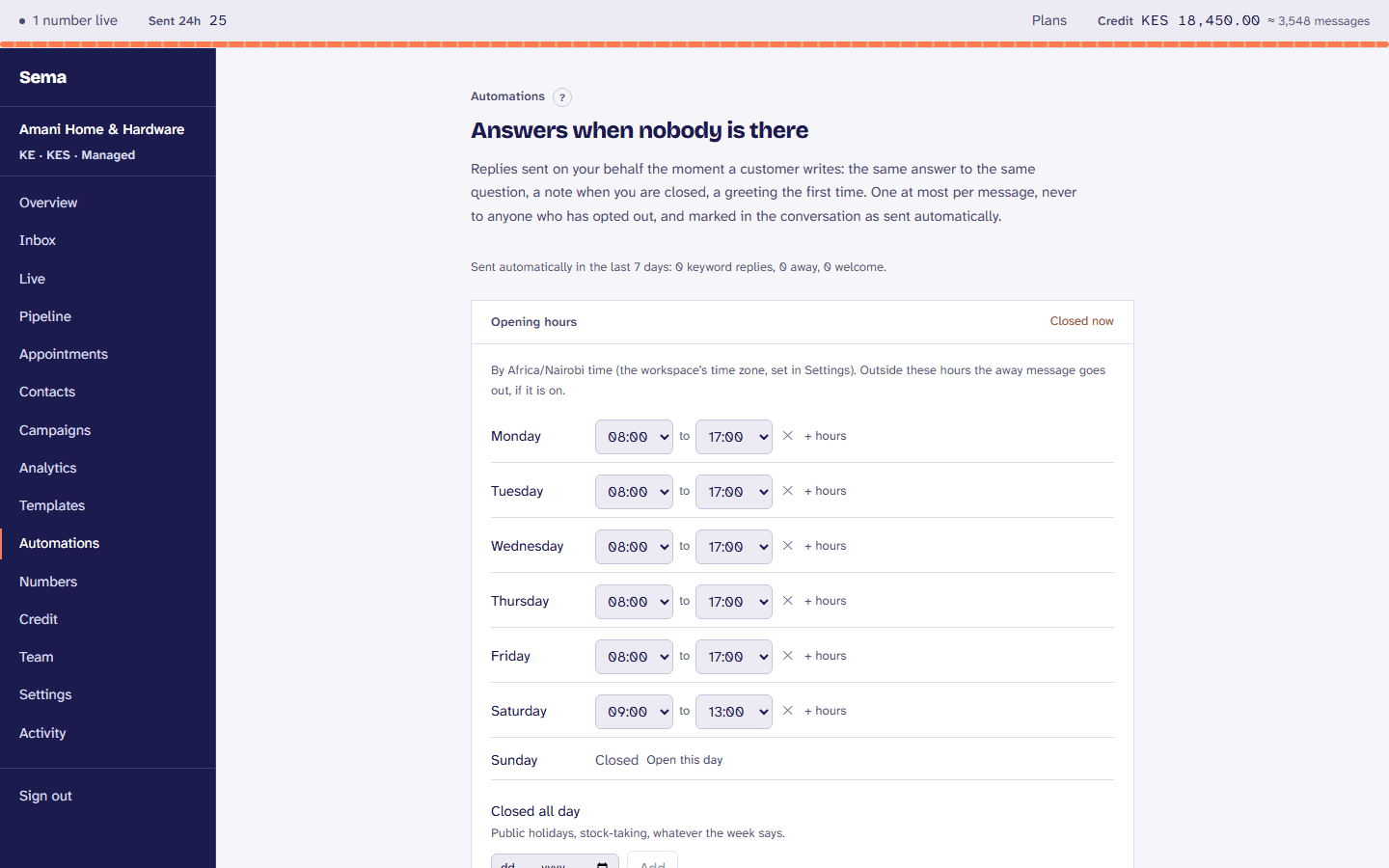
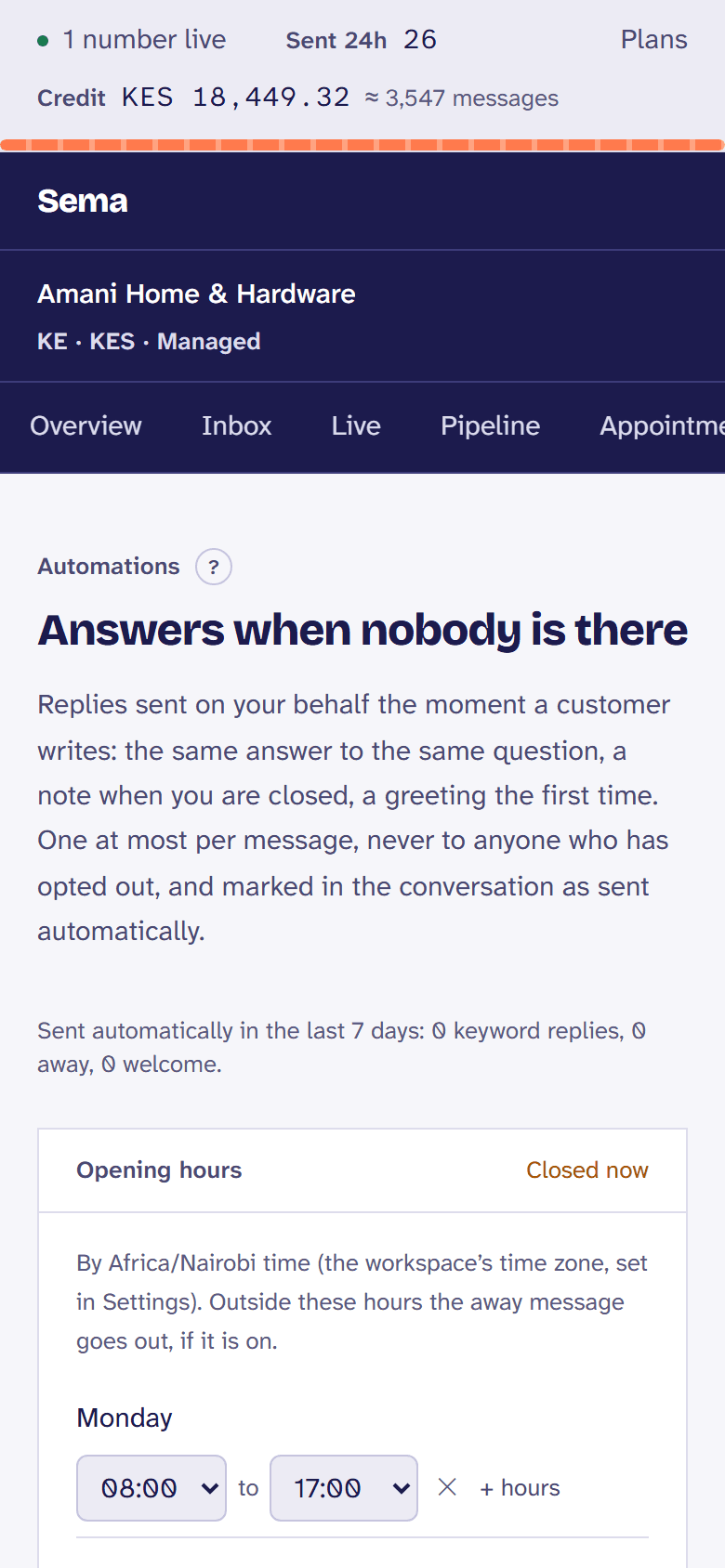
Away, welcome, keyword replies
An away message outside your opening hours, a welcome the first time someone writes, and the same answer whenever a customer sends “bei” or “location”.
Flows, built as steps
Say something, ask with up to three buttons and wait, branch on the answer, ask your own system, hand over to a team. Every save is a version you can go back to.
Stops the moment a person steps in
An agent replying ends a flow, and so does the Stop button in the thread, an opt-out, or a question left unanswered past its time.
Forms, built in Meta’s tools
WhatsApp Flows you build in Meta’s Flow Builder, sent from the inbox or a template, with the answers arriving back in the conversation.
Follow-ups
Up to five steps after a customer goes quiet, each a wait and a message, stopped the moment they write, opt out or the conversation is resolved.
New leads in seconds
A form on your site, Typeform or Google Forms filled in, and the person hears from you on WhatsApp at once.
Journeys, and what they earn
An order update then an offer, back in stock, a cart left: each with a share held back, so you see what it really added.
Ready WhatsApp Flows
Forms made already for a SACCO loan pre-check, an insurance quote, a clinic booking and a school admission, in your own words.
AI that knows its place
Off until an owner or admin switches it on, having read exactly what is sent where. Nothing is sent to a customer that nobody chose to send.
A draft of the next reply
One click puts a suggested reply in the message box, made from the conversation. Your team reads it, changes it, and sends it, or puts back what they had.
Answers from what you wrote down
Write down your prices, hours, delivery and returns once. Drafts use them, and are told never to invent a price, stock or a promise.
Answering on its own, within a line
If you choose (always, or only outside opening hours), the model answers what your written answers cover, in your business’s voice, and leaves everything else for a person, sending nothing.
A summary for whoever picks it up
When a flow or the model hands a conversation over, the team gets five lines on who it is, what they want, and what is still open. It arrives as a note the customer never sees.
Written from your website
Sema reads your website and writes the assistant’s first notes for you to check, and you can try it as a customer before it answers anybody.
Its name, its tone, its language
Friendly, professional or playful; English or Kiswahili; and more than one assistant for different numbers, teams or languages.
Takes the details
What it cannot answer, it does not guess: it takes the customer’s details and hands the conversation to a person.
Off in one chat
Switch it off where a person has taken over, and it comes back by itself later. What it did and cost is where the owner looks.
Sell in the conversation
Products and offers where your customers already are, without a link out.
Payments, in detail →Pipeline, in detail →Appointments, in detail →
Your catalog, in the chat
The catalog you keep in Meta’s Commerce Manager, mirrored hourly. Send one product, or up to thirty in titled sections.
Orders in the thread
The customer fills a cart and sends it, and the order arrives in the conversation with each item and its price, for your team to confirm.
Paid by M-Pesa, in the chat
Send the customer the M-Pesa prompt from the conversation, into your own paybill or till. It shows as paid, with the receipt, once M-Pesa itself confirms it, and your own system hears it by webhook.
Offers that count down
Limited-time offer templates with a countdown and a copy-code button, and carousels of up to ten cards, each with its own picture and buttons.
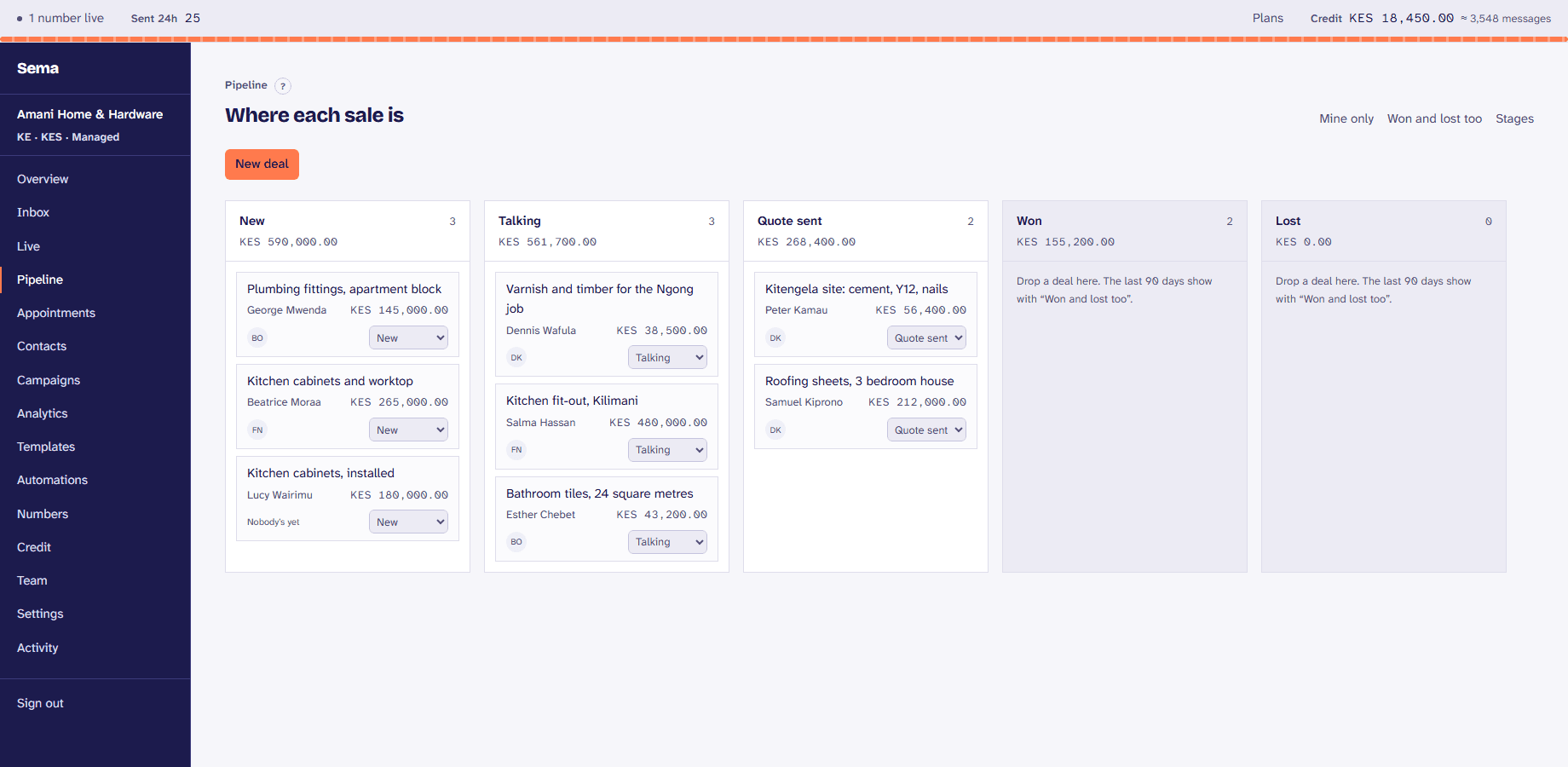
A pipeline
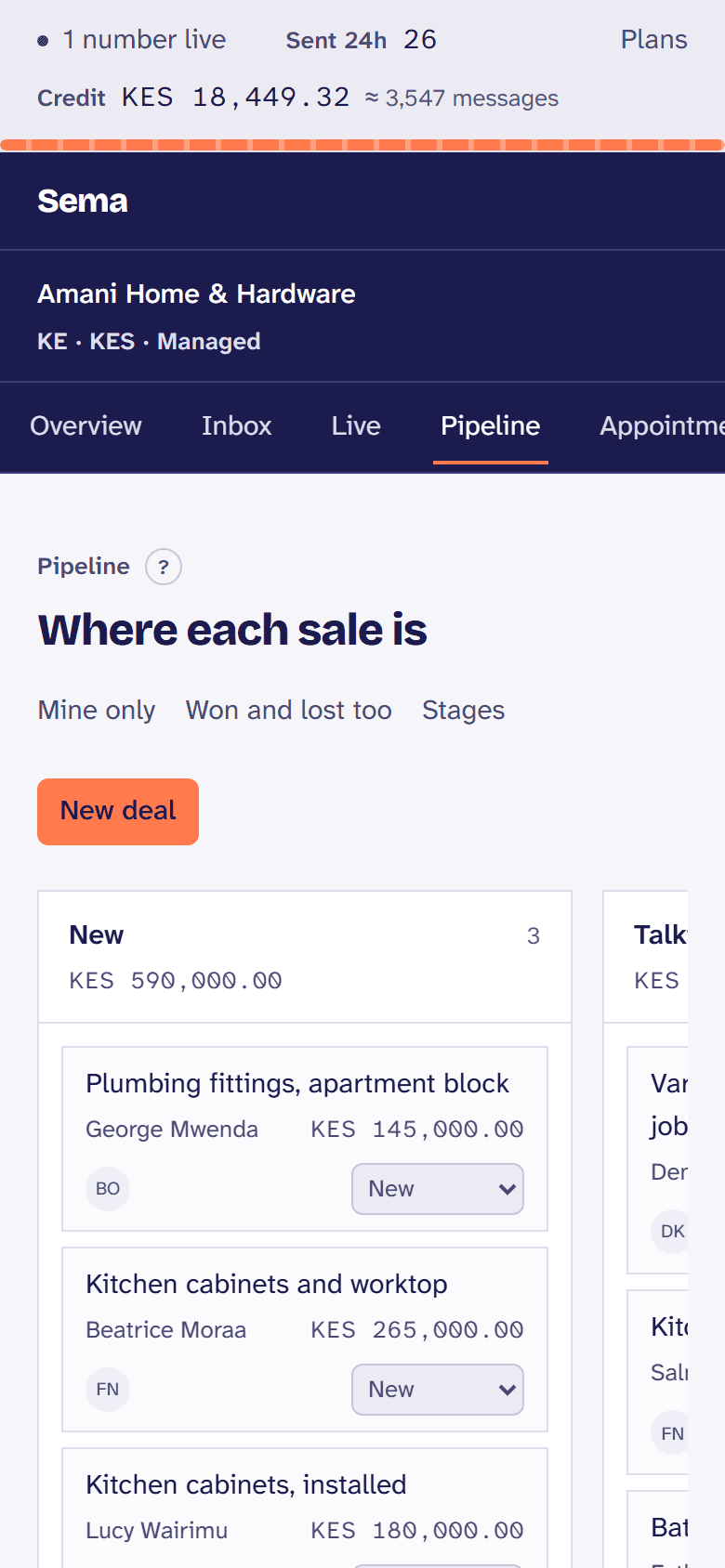
Deals by stage from the conversations they started in, with a value and an owner, your own stages, and why each was won or lost.
Appointments
Booked in the chat or from your booking page, confirmed and reminded on WhatsApp, and kept in each person’s Google or Outlook calendar.
Where customers came from
Each customer from a Click-to-WhatsApp advert keeps the advert they came from, beside the chat and in your reports.
Campaigns people agreed to
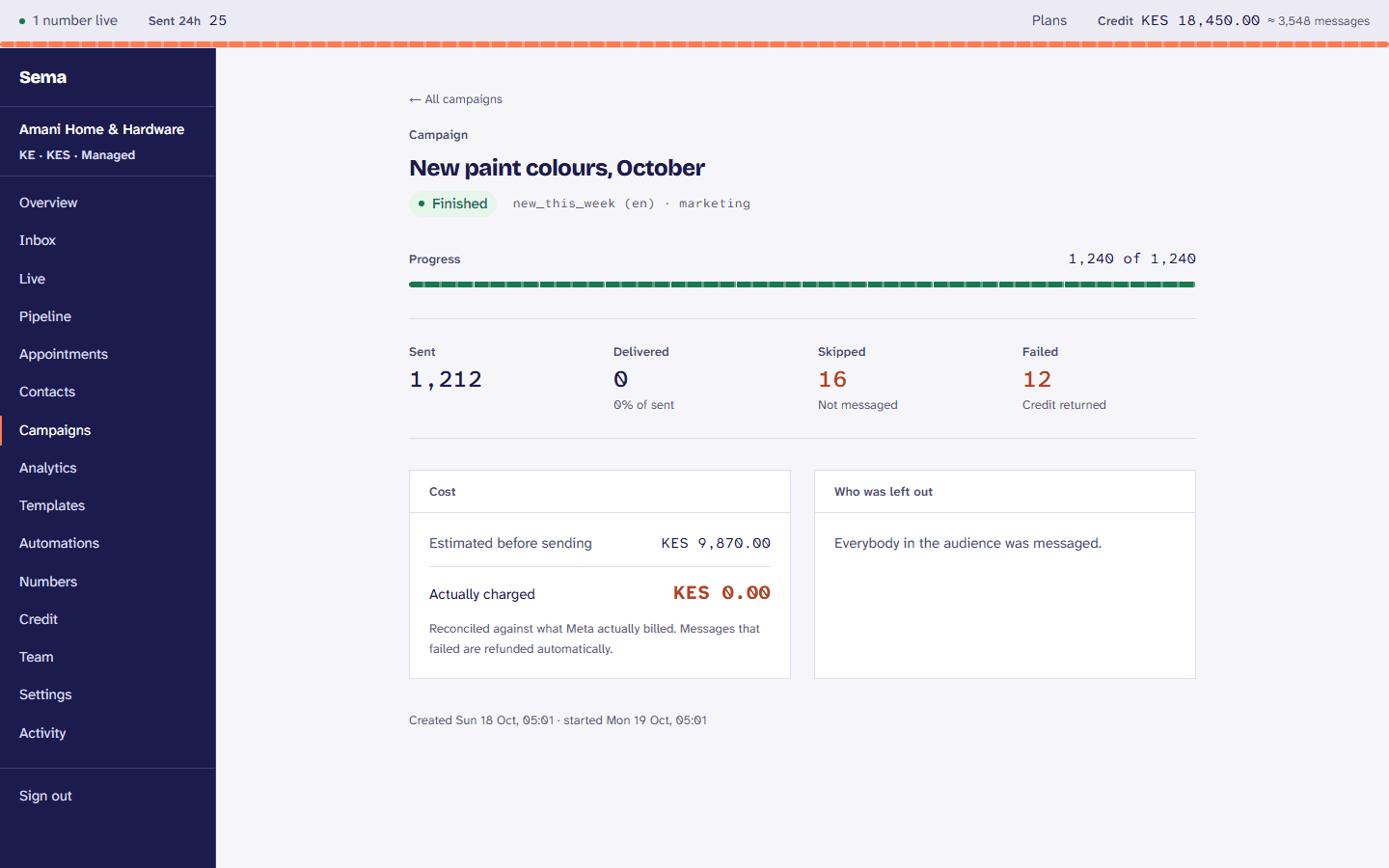
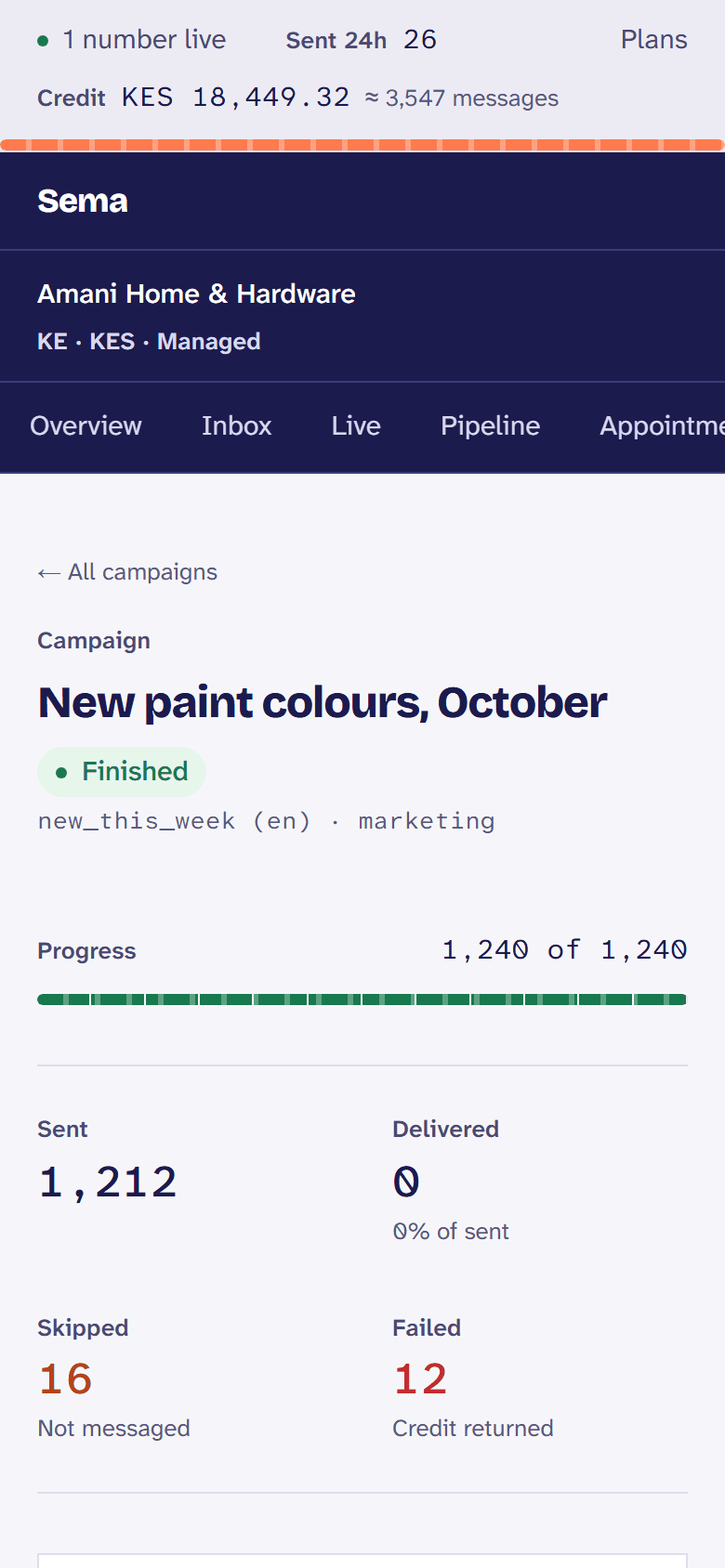
Sending to a list is where most tools stay quiet. Sema records the opt-in, honours STOP, and shows the cost before anything goes.
Audiences you save
Who to send to, by tags and fields, saved and reused. Only ever people who agreed to hear from you.
Templates, written to Meta’s rules
A template studio that checks against Meta’s rules as you type: named variables like {{first_name}}, pictures and videos, buttons, and the examples Meta asks for.
Links you can count
Every recipient gets their own short link, so you know who tapped. Link previews are not counted as clicks.
The cost before, and after
An estimate of reach and cost before you send, credit checked when it runs, and each message reconciled against what Meta actually charged.
A template library
The messages businesses send most, written the way Meta approves them, copied into your workspace in one click.
Advice while you write
Meta’s advice for a message that is read, beside the preview: the name first, one thing to do, a way to stop.
A/B tests
Two versions to part of the audience, and the better one, by reads, taps or replies, to the rest.
A rest between offers
People who had a marketing message in the last two days, or stopped opening them, are left out, which keeps your number’s quality.
Within the daily limit
A campaign that reaches the number’s daily limit waits, and carries on by itself the next day.
How each template is doing
Reads and quality for each template over time, and which one is pulling your number down.
For your own systems
Sema is an app your team uses, and a platform your developers can build on.
A public API
Send messages and templates, list conversations and templates, with keys that are live or test. Test keys never reach WhatsApp or your credit.
Signed webhooks
Sema tells your system when a customer writes, a message is delivered or fails, or someone opts out. Each one is signed, and retried until your server accepts it.
One-time codes over WhatsApp
Verify: send a login or confirmation code and check it, on WhatsApp’s authentication rate, with the code never stored where anyone can read it.
An OpenAPI description
The whole API described in OpenAPI, with a typed client generated from it.
Your own AI agent
Already have a bot? It answers your customers in Sema, on WhatsApp and on your website, told of each message with the conversation so far, and hands over to your team with a summary.
Batches
One template to up to a thousand people in one request, each with their own details, after checking the balance.
Ready recipes
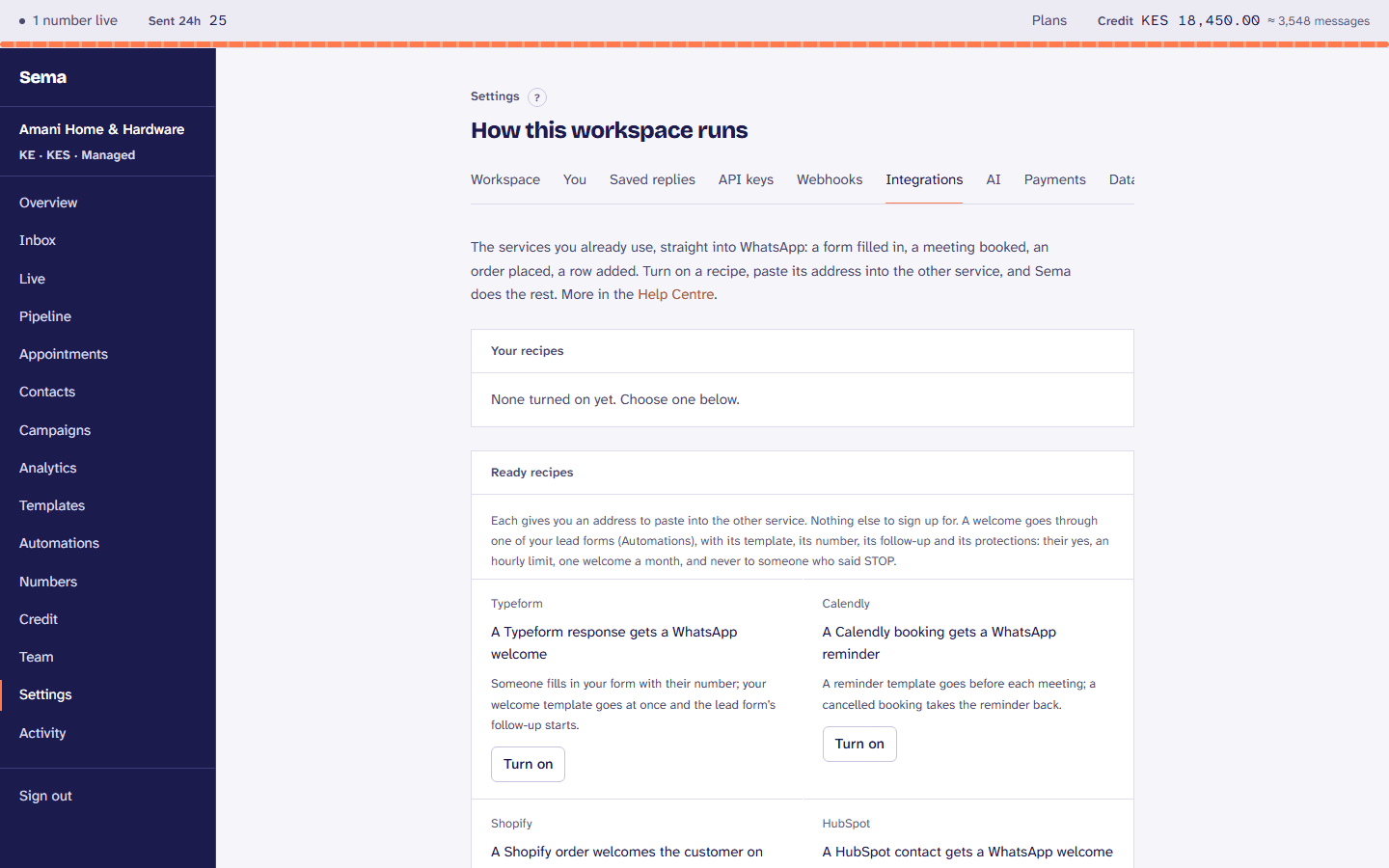
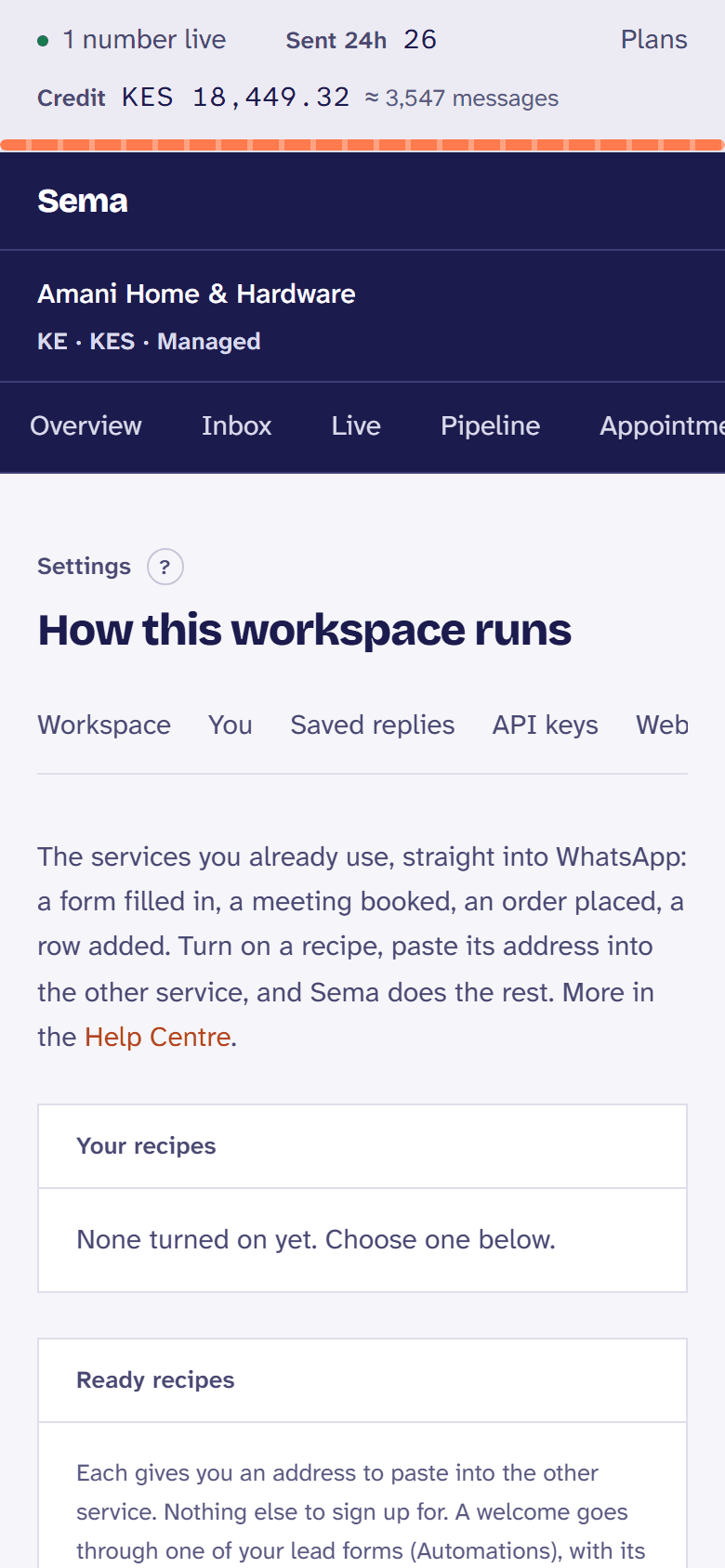
Typeform, Calendly, Shopify, HubSpot and Google Forms straight into WhatsApp, each turned on in Settings.
Google Sheets, both ways
Contacts and conversations kept in a sheet in your account, and a sheet you keep read as a campaign’s list.
From ChatGPT and Claude
Connect your AI assistant with a click and ask it for today’s numbers, a customer, or to send a template after asking you.
Who can see what, and proof of it
Enforced by the database itself, not by what the interface chooses to show, so it holds however someone connects.
Six roles
Owner, admin, manager, agent, billing and viewer. Billing can reconcile the bill without reading a single conversation.
Two-factor sign-in
Anyone on the team can add a code from an authenticator app to their sign-in, and once it is on a password alone opens nothing. An owner or admin can reset it for a teammate, and the reset is recorded.
An activity log
Sign-ins, failed sign-ins, team changes, keys created and revoked, AI switched on or off: who, when, and from where.
Your data, on your terms
Export a customer’s data or erase it on request, keep messages for as long as you choose, and export the whole workspace.
Reports that answer the question
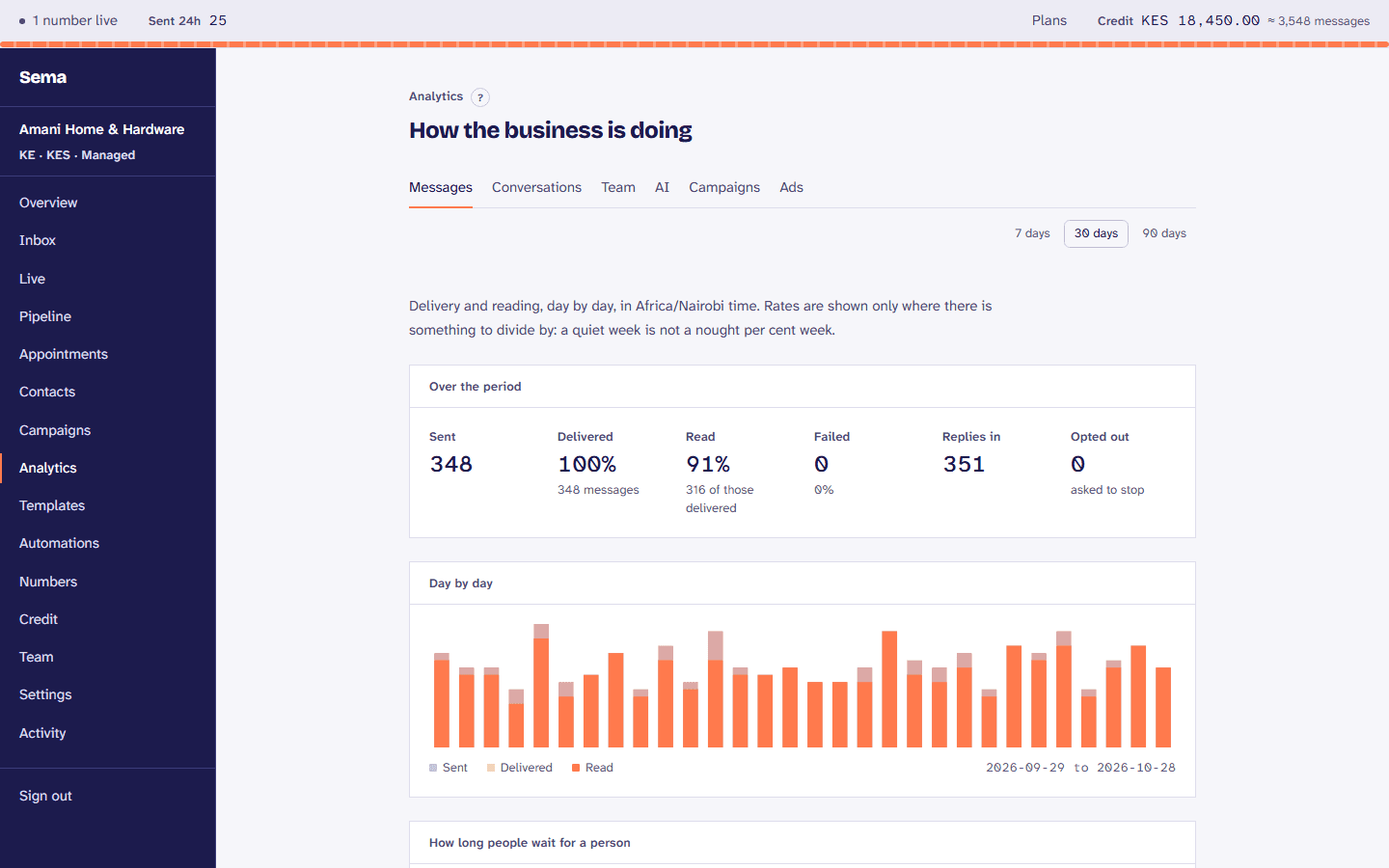
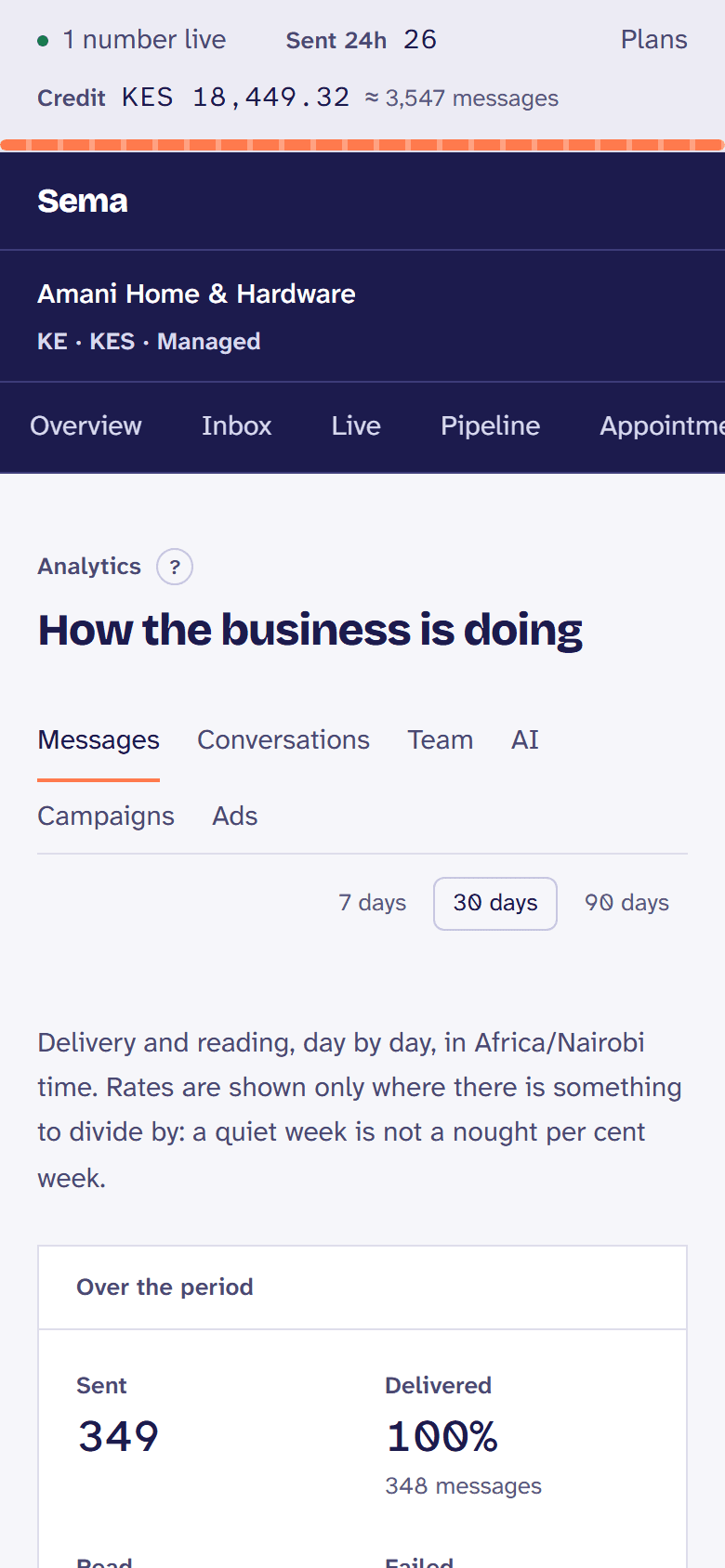
Sent, delivered, read, failed, replies, how long customers waited, why conversations were resolved, and opt-outs, for 7, 30 or 90 days.
Billed the Kenyan way
Prepaid credit in shillings, topped up by M-Pesa, with a statement carrying your KRA PIN. Your plan comes from the same credit, and you can move it up, down or cancel it from the Credit page.
Your week, and the Monday email
The week’s numbers with up to three things that would help, on the overview and by email on Monday morning.
How customers know it is you
Each number’s business verification, display name, badge and profile, with where to do what is not done.
Two-factor for the whole team
An owner can require two-factor sign-in of everybody in the workspace.
A public status page
Whether each part of Sema is working, checked every minute, with every incident in plain words.
What Sema does not do
If one of these decides it for you, better to know now.
- WhatsApp calling
- Meta only opens calling to numbers that can message 2,000 people a day. We will build it against a number that qualifies, not before.
- KRA eTIMS tax invoices
- Statements carry your KRA PIN; transmission to KRA, which makes them tax invoices your business can claim as an expense, is not live yet, and each statement says so.
- Instagram and Messenger
- Sema answers WhatsApp and the chat on your own website. Conversations from Instagram and Messenger, in the same inbox, are being built next.
- SMS and email to customers
- Sema is WhatsApp, and the chat on your website. It emails your team (low credit, security notices), never your customers.
See it with your own conversations.
Connect your number and answer a real customer. The first 14 days are a trial of Growth, and nothing is charged for it.