Campaigns to people who asked, and the numbers after.
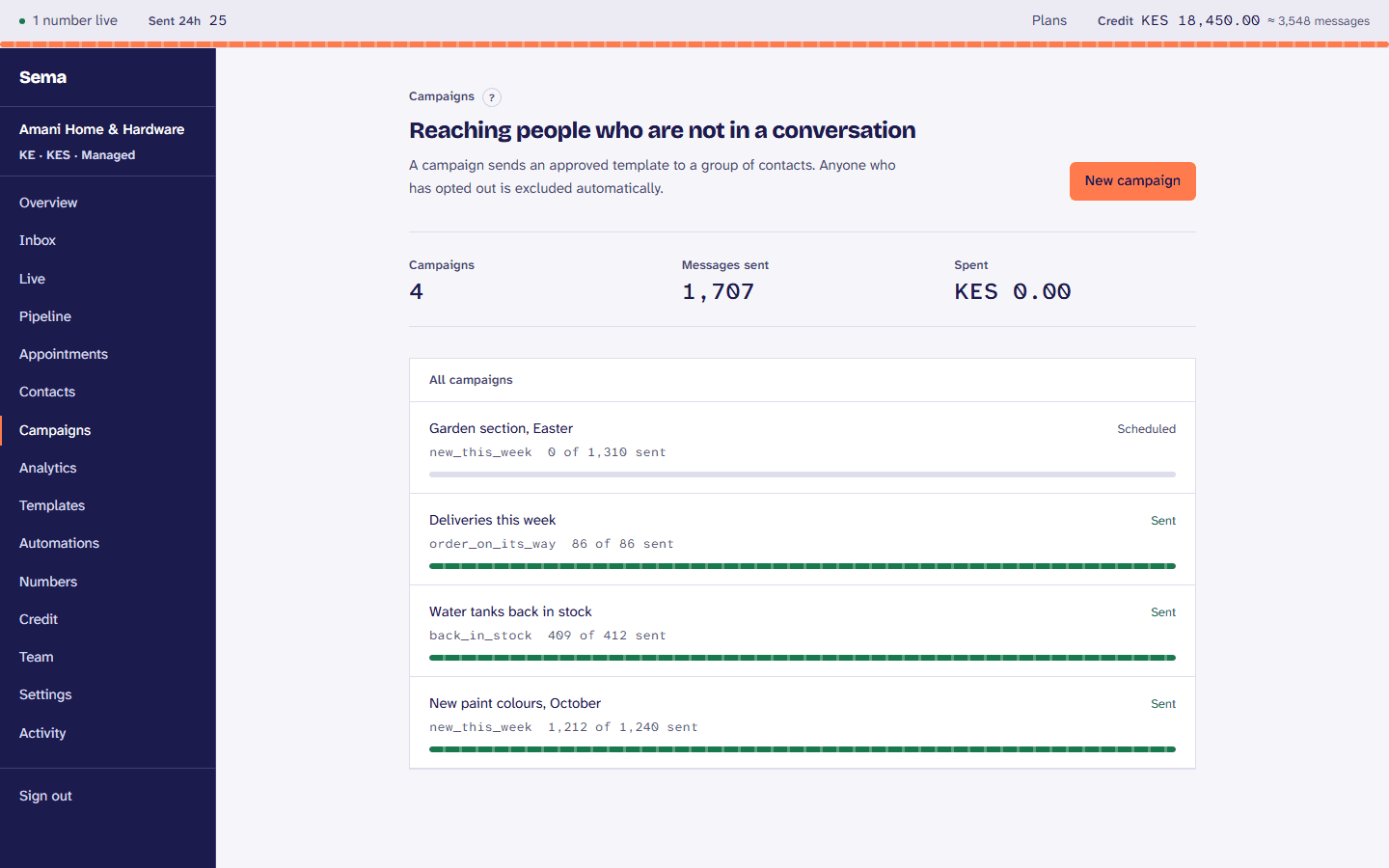
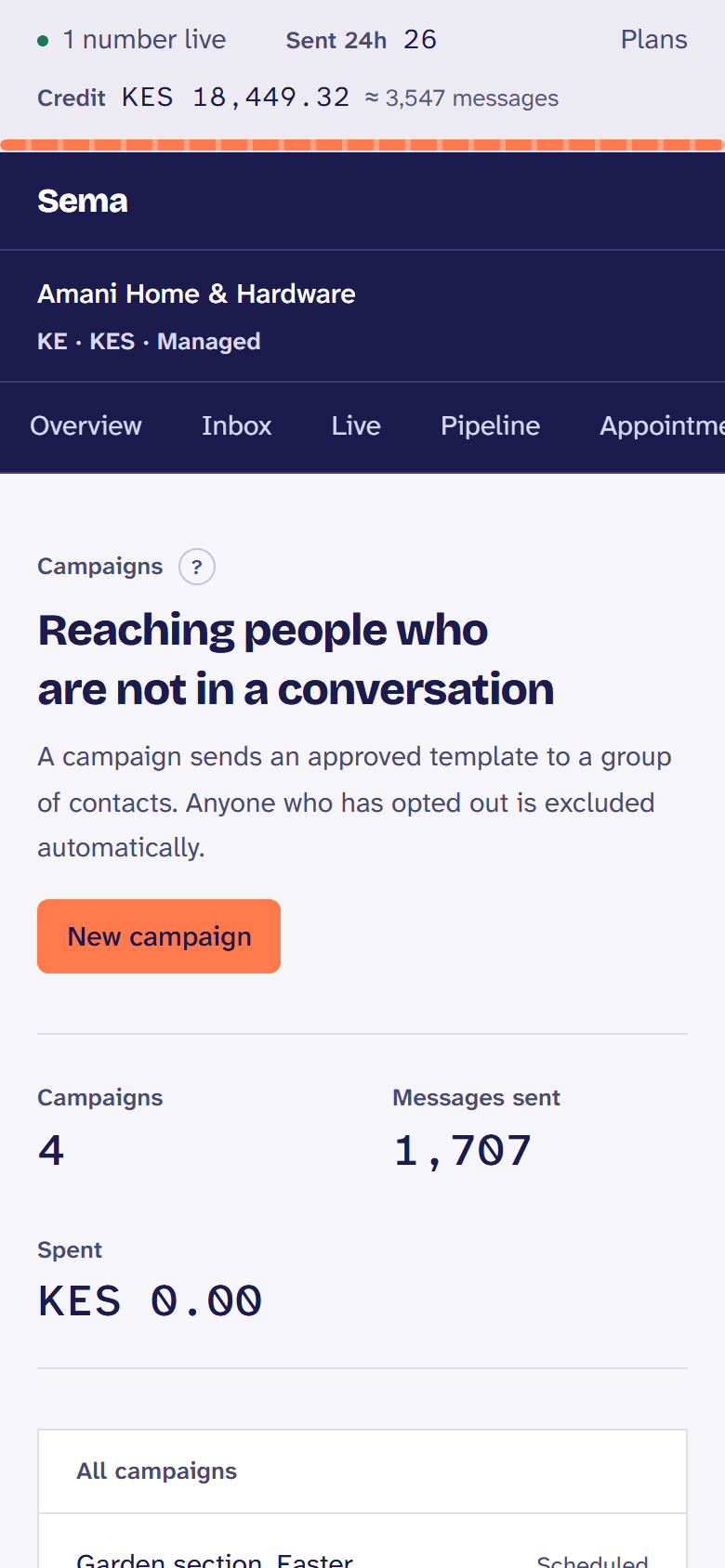
Write a template Meta approves, choose who receives it from the people who agreed, see what it will cost, and send it. Then see who received it, read it, tapped it and replied.
How a business uses it
- 1
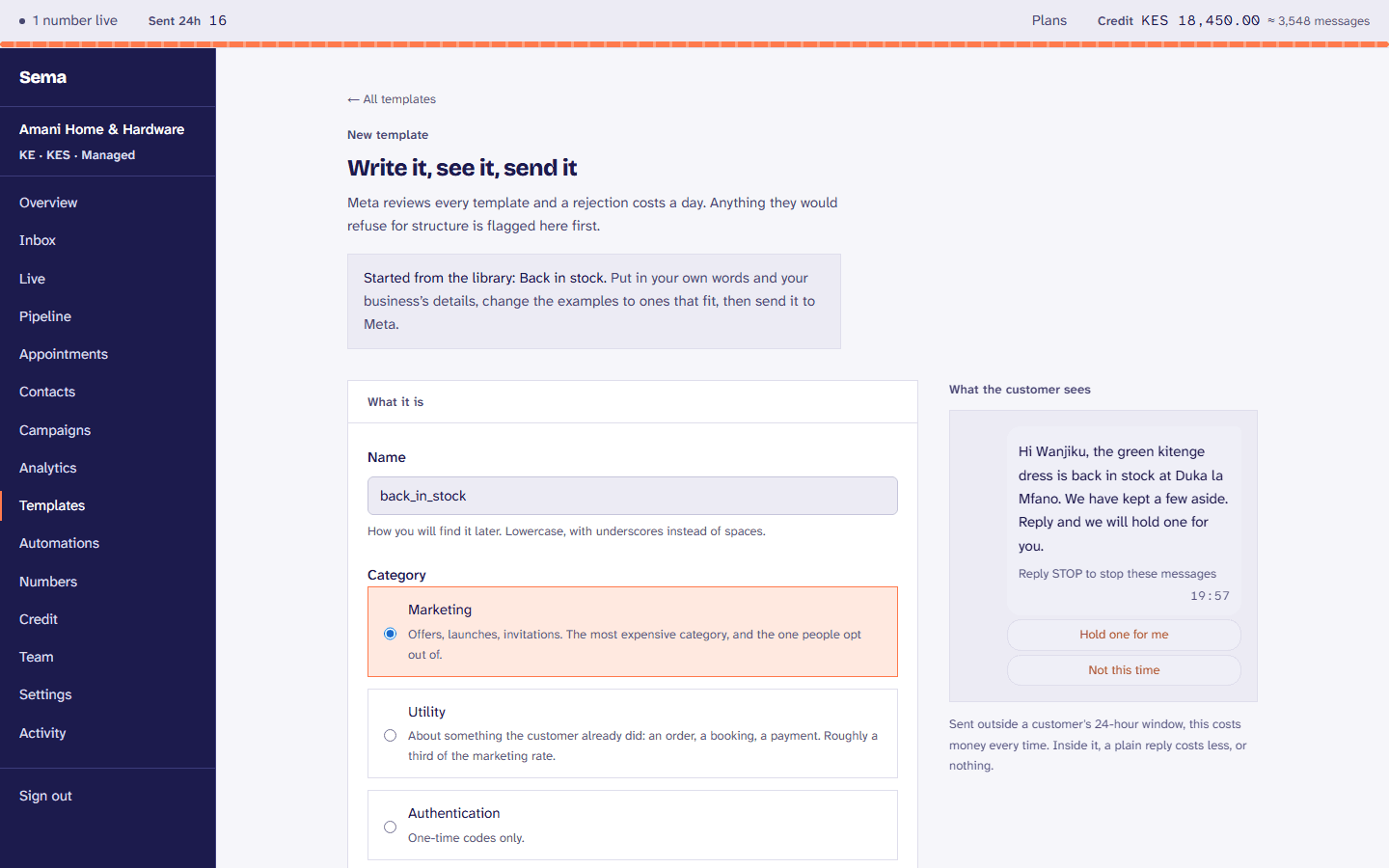
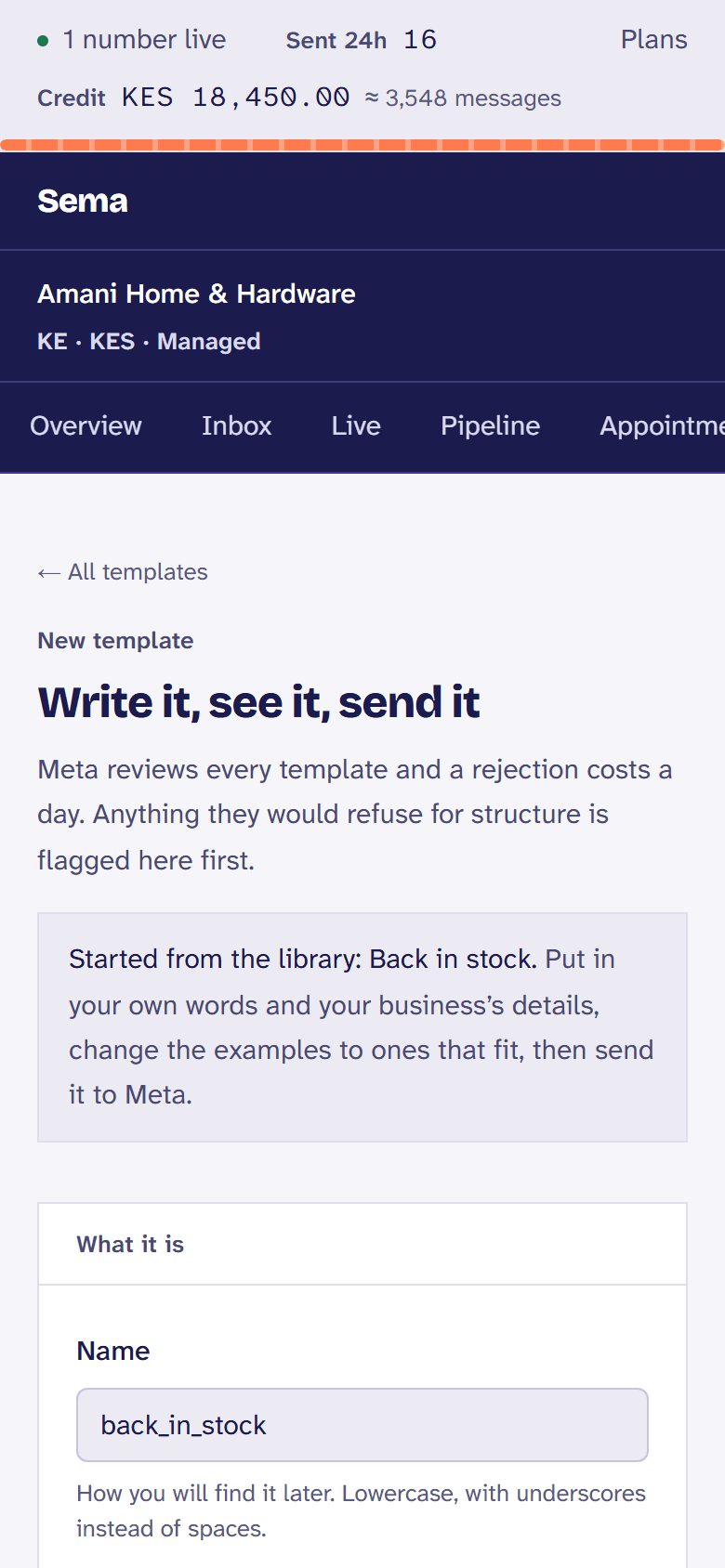
Write the template
From the template library, or your own, checked against Meta’s rules as you type.
- 2
Choose who
A saved audience by tags and details, only people who agreed, less anyone who had an offer in the last two days.
- 3
See the cost, then send
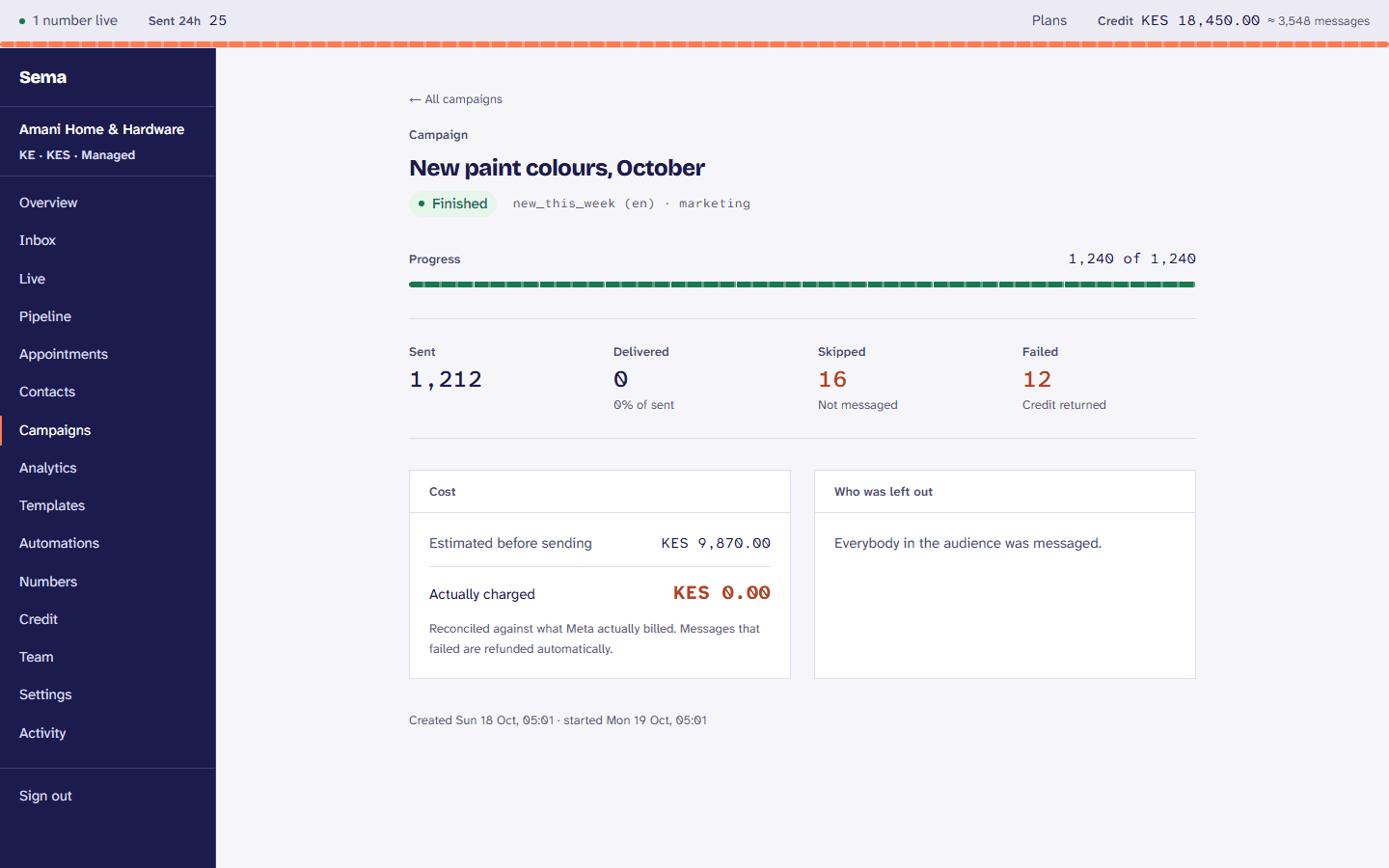
Reach and cost before anything goes, credit checked when it runs, now or at a time you choose.
- 4
Read what happened
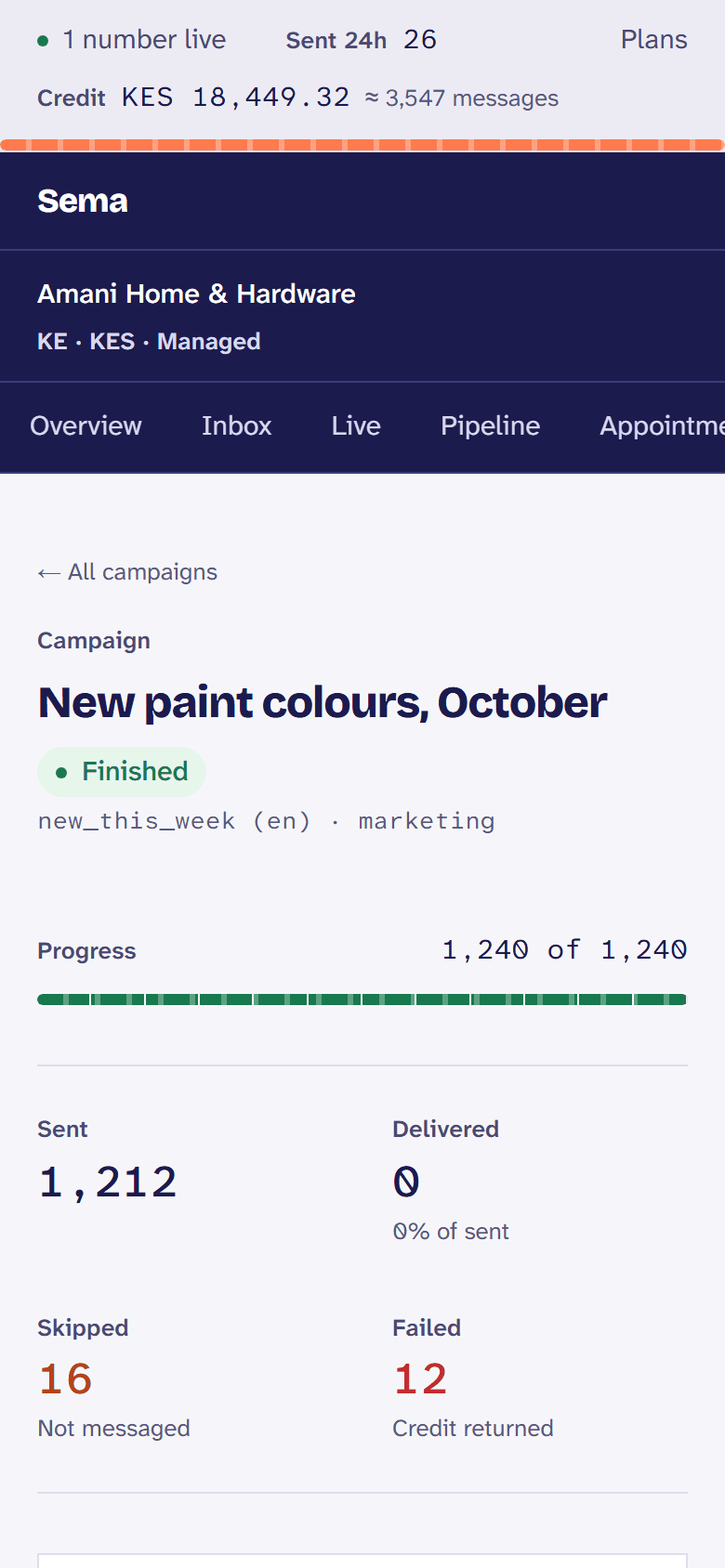
Sent, delivered, read, tapped and replied, and what Meta actually charged.
The same, in a few seconds: recorded in Sema itself, as it is today.
What it does
A template library
The messages businesses send most, already written the way Meta approves them.
Advice while you write
What Meta recommends for a message that is read, beside the preview, without blocking you.
A/B tests
Two versions of a template to part of the audience, and the better one to the rest.
Links you can count
Each person gets their own short link, so you know who tapped.
A rest between offers
People who had a marketing message lately, or stopped opening them, are left out, which keeps your number’s quality.
Within the daily limit
A campaign that reaches the number’s daily limit waits and carries on by itself the next day.
Offers and carousels
Limited-time offers with a countdown and a code to copy, and carousels of up to ten cards.
How each template is doing
Each template’s reads and quality over time, and which one is pulling your number down.
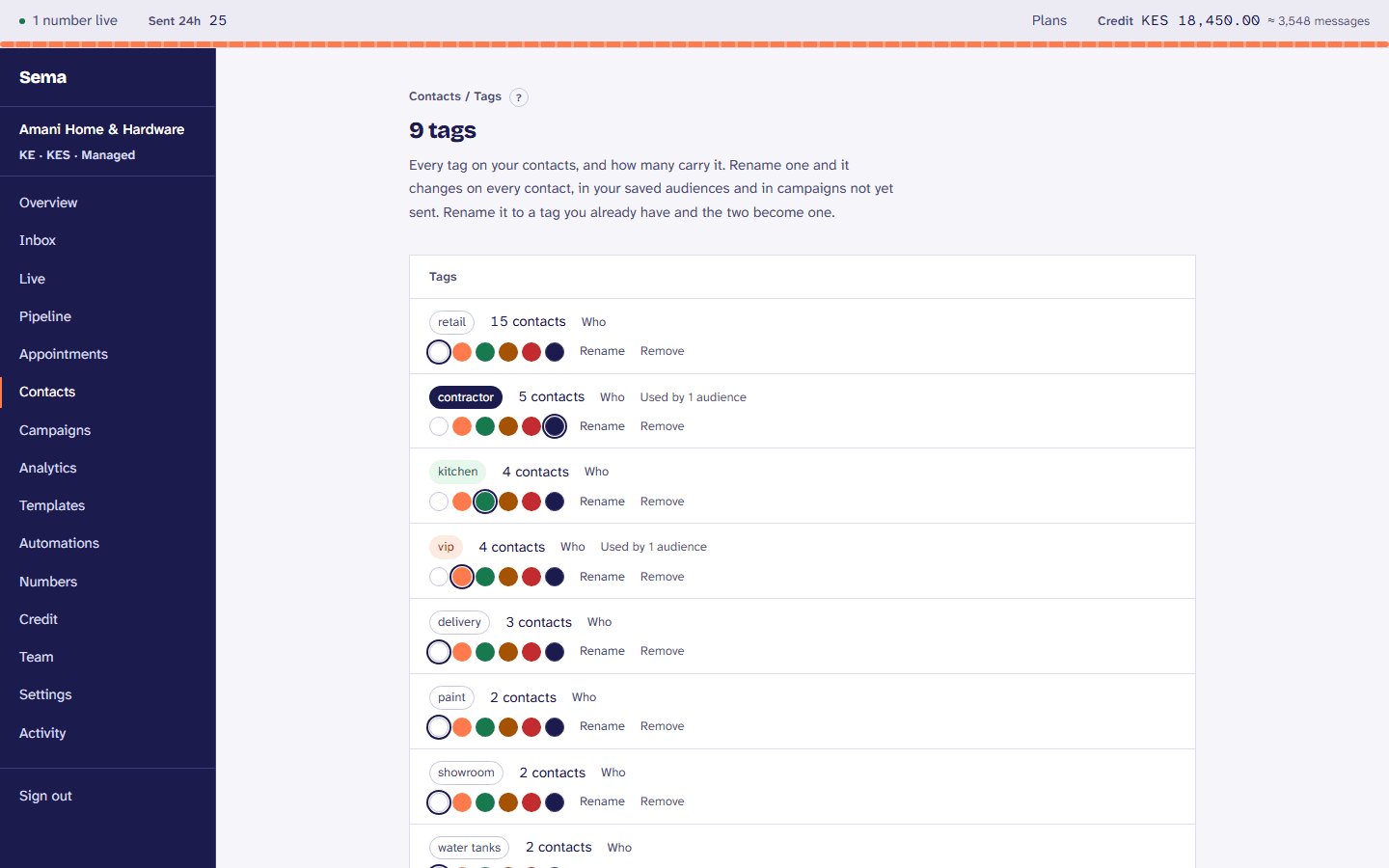
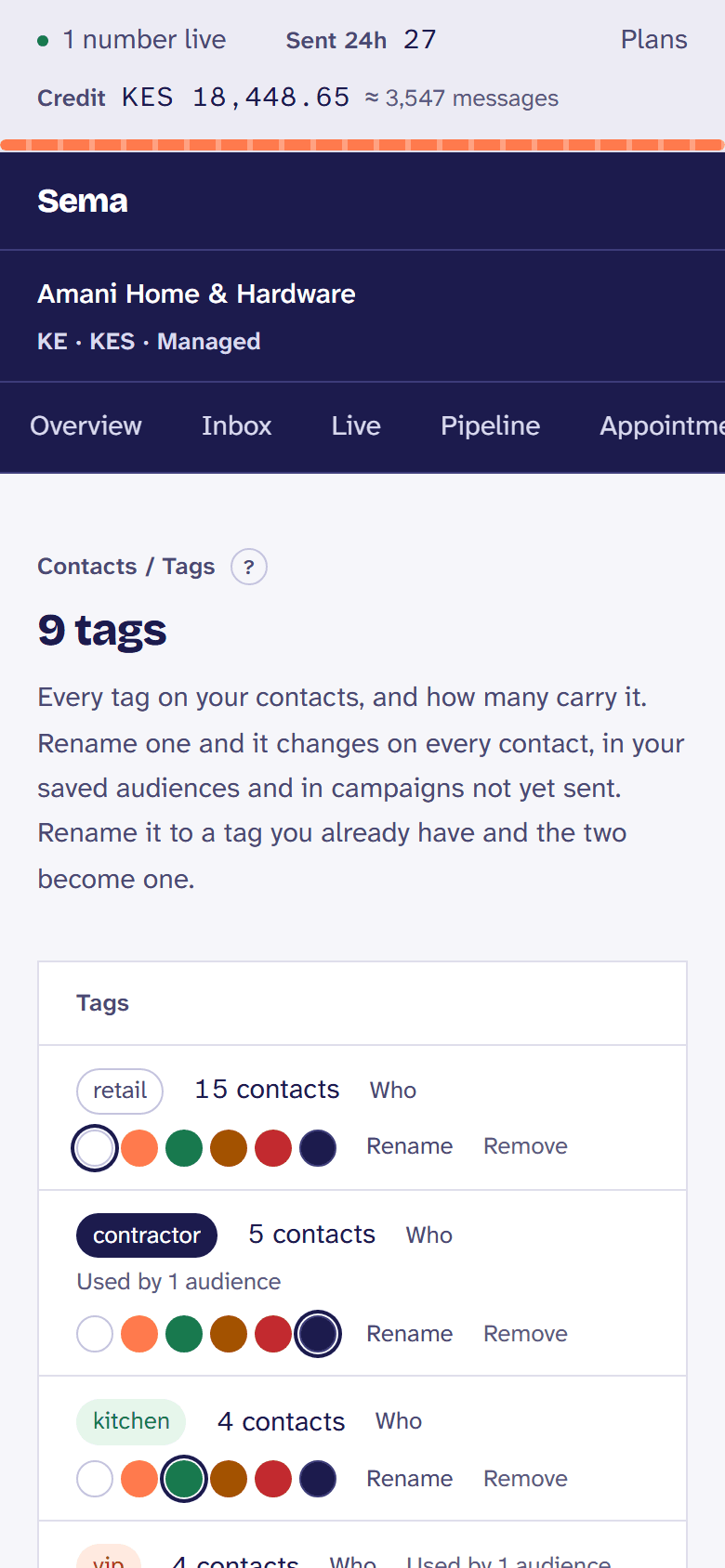
Tags in one place
Every tag and how many customers carry it: rename one everywhere at once, merge two that mean the same, or give it a colour.
Try it with your own customers.
Every step is in the templates and campaigns, in the Help Centre.