One WhatsApp number, answered by the whole team.
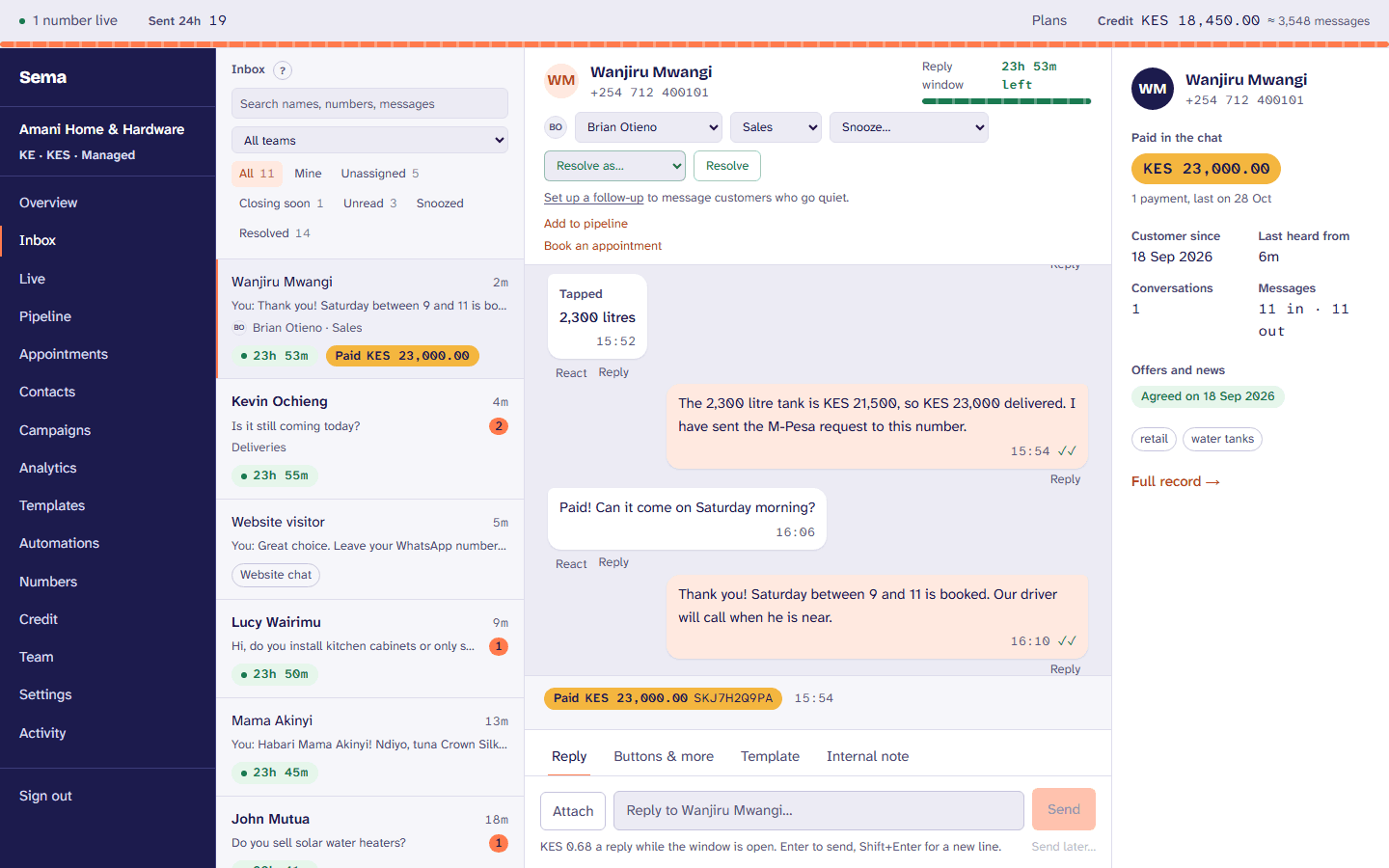
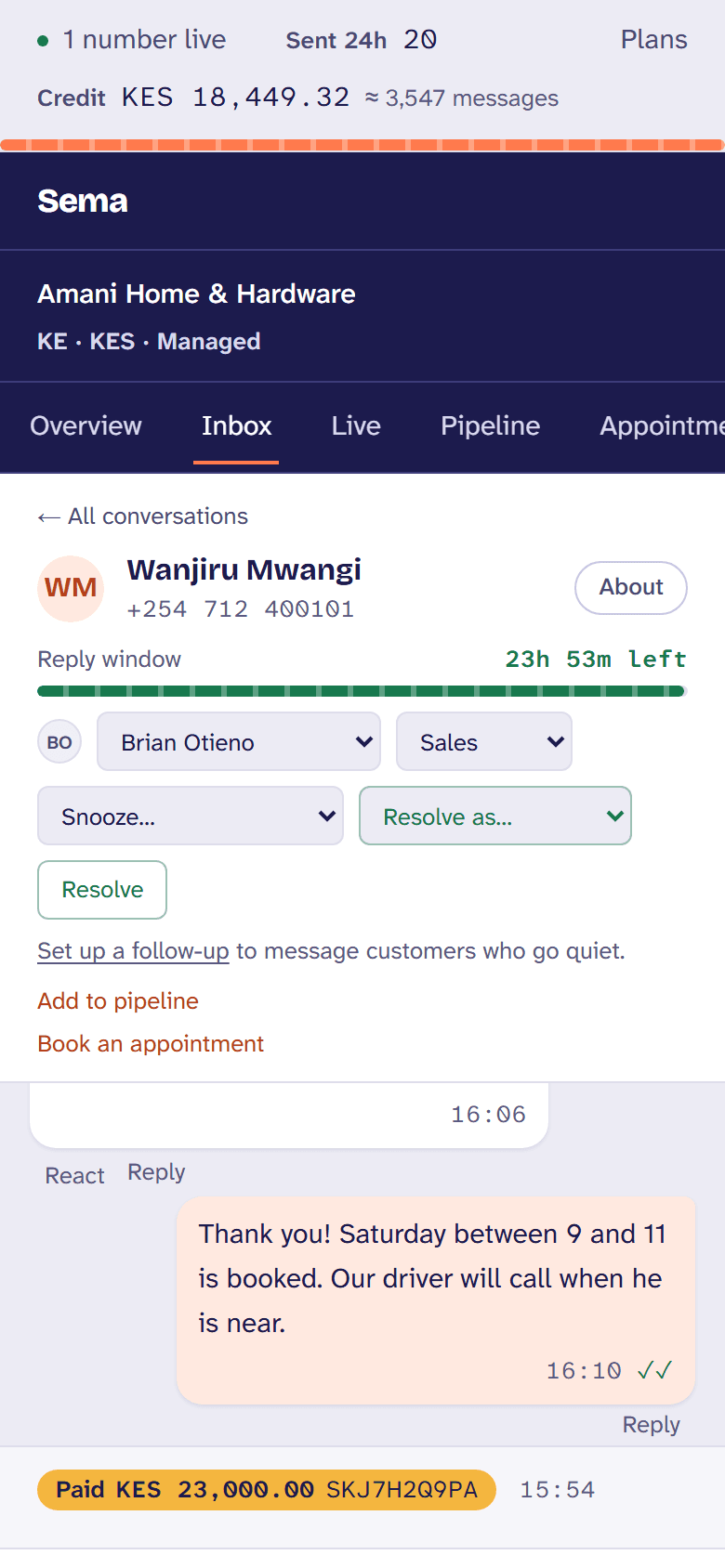
Every conversation with your business, in one place in the browser: who has it, how long the customer has waited, how long you have to reply, and what they have paid.
How a business uses it
- 1
A customer writes
It lands in the inbox, with the team the number belongs to, and goes to whoever is next and taking conversations.
- 2
Someone answers
With words, a photo, a price list, reply buttons or a list to tap, or a saved reply on a slash. Everyone else sees who is on it.
- 3
They pay in the chat
The M-Pesa prompt goes from the conversation into your own paybill or till, and shows as paid once M-Pesa confirms it.
- 4
It is resolved, with a reason
Resolved, snoozed until Monday, or handed to another team, with a reason your reports can count.
The same, in a few seconds: recorded in Sema itself, as it is today.
What it does
The 24-hour window, shown
Each conversation counts down the time you can reply with anything. When it closes, the reply box offers approved templates and their price.
Teams and round robin
Numbers route to teams, and new conversations go to whoever was given one longest ago, skipping anyone away.
Who is on it, right now
Who has a conversation open and who is typing, so two people never answer the same customer; the customer sees “typing…” too.
Notes and saved replies
Notes the customer never sees, saved replies with the customer’s name filled in, and search across every conversation.
Everything WhatsApp carries
Photos, documents, voice notes, locations, contacts, reactions, quotes, reply buttons, lists and products from your catalog.
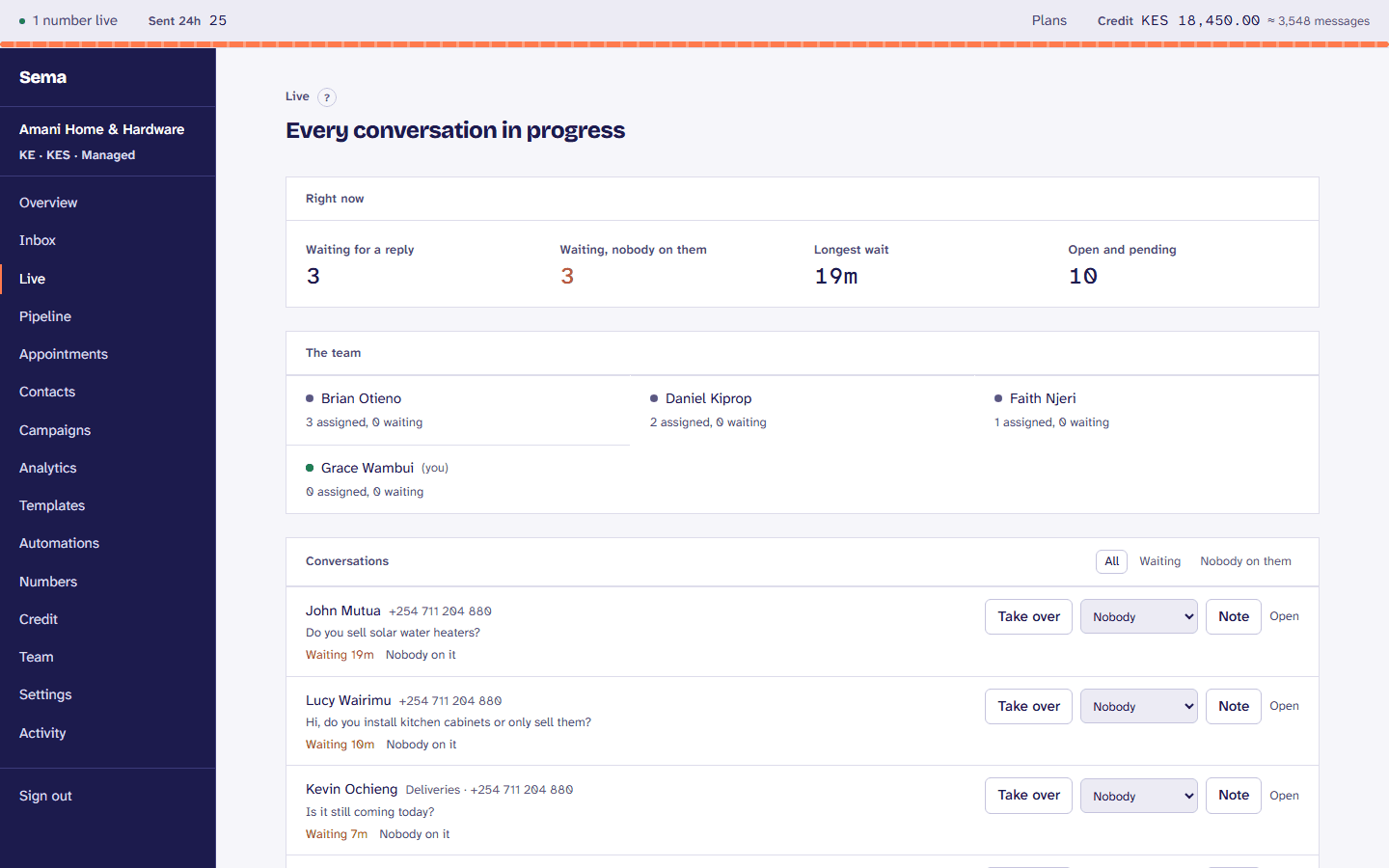
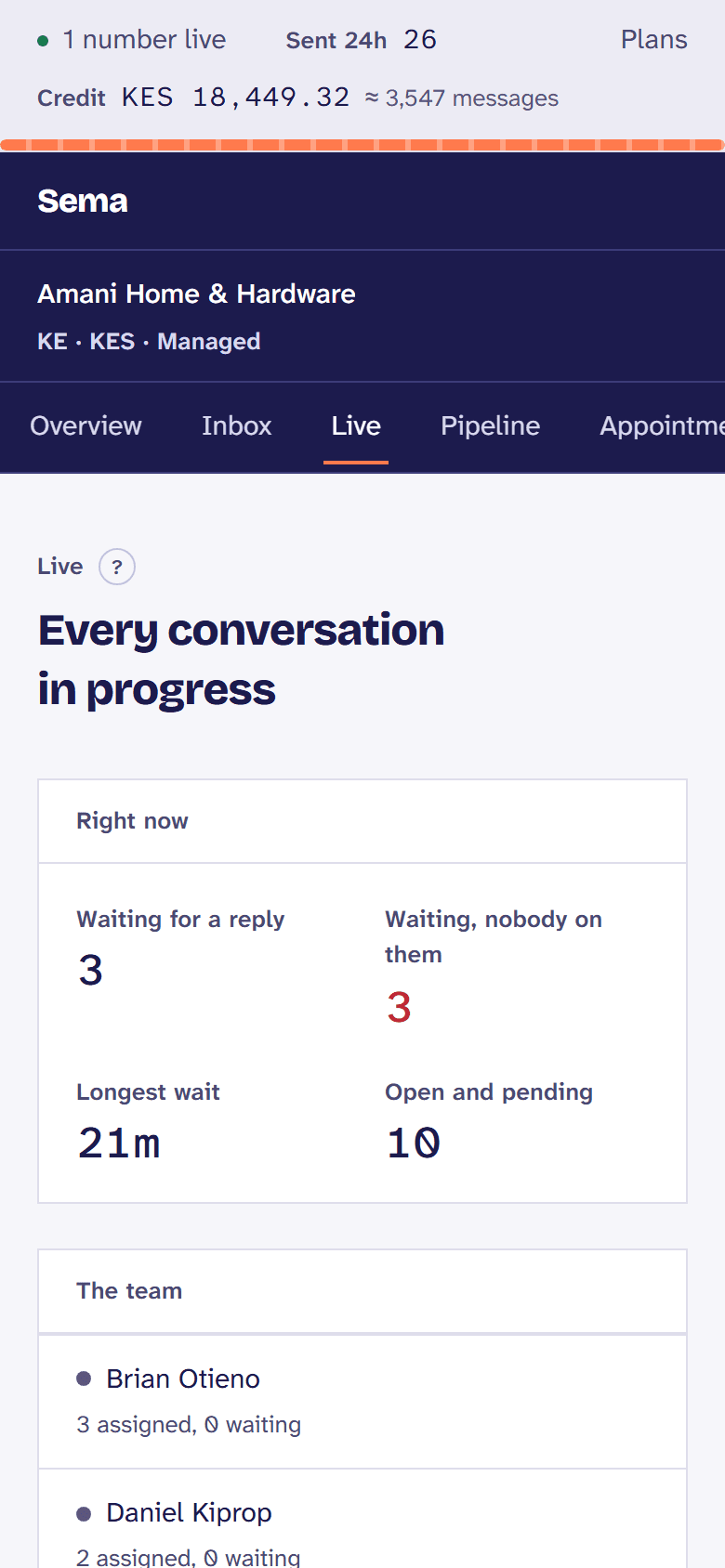
Live supervision
Owners and managers see who is waiting and for how long, and can take a conversation over, hand it on, or leave a note.
The customer beside the chat
What they have paid, when they first wrote, the advert they came from, their tags and whether they agreed to offers.
Chat on your website
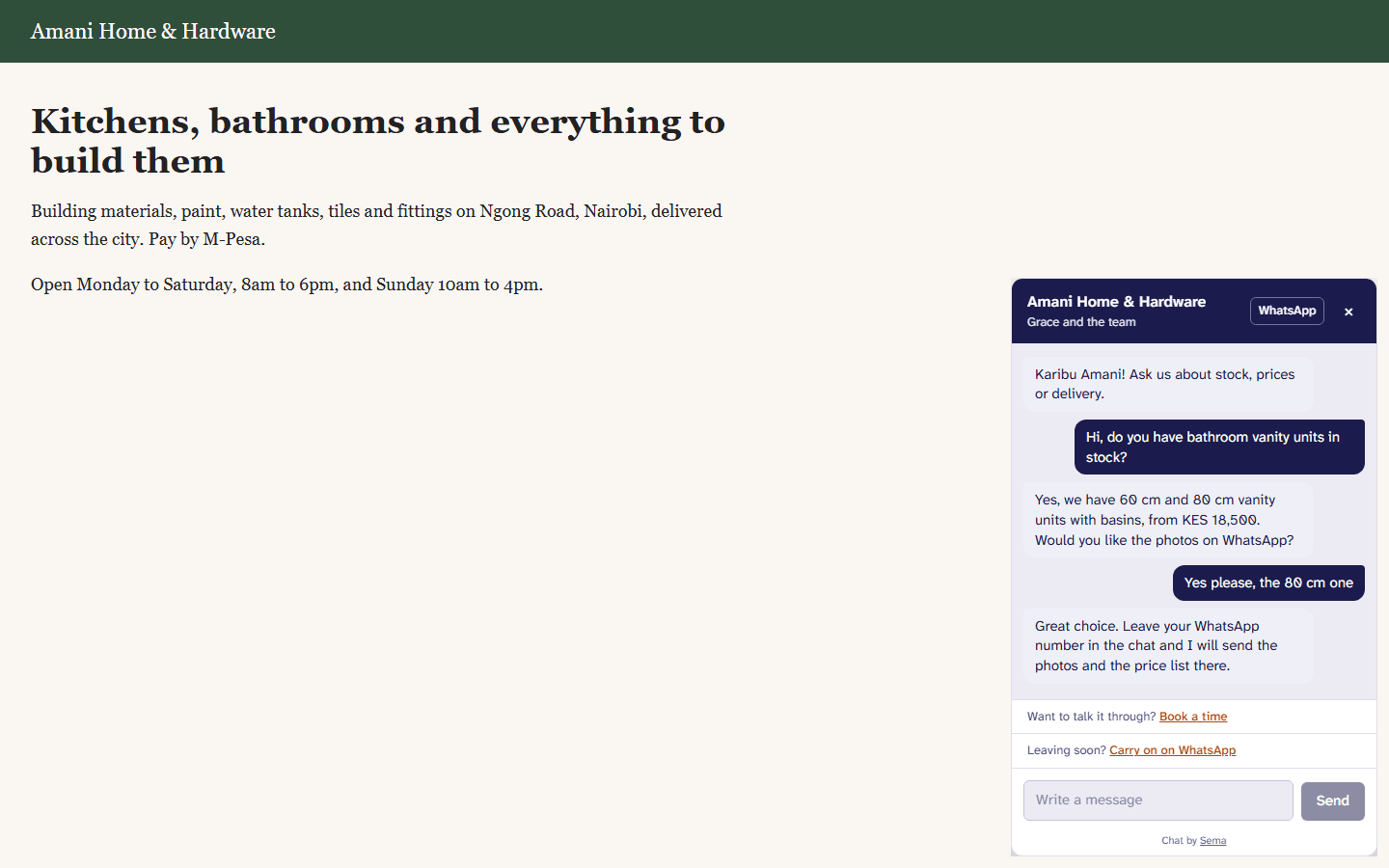
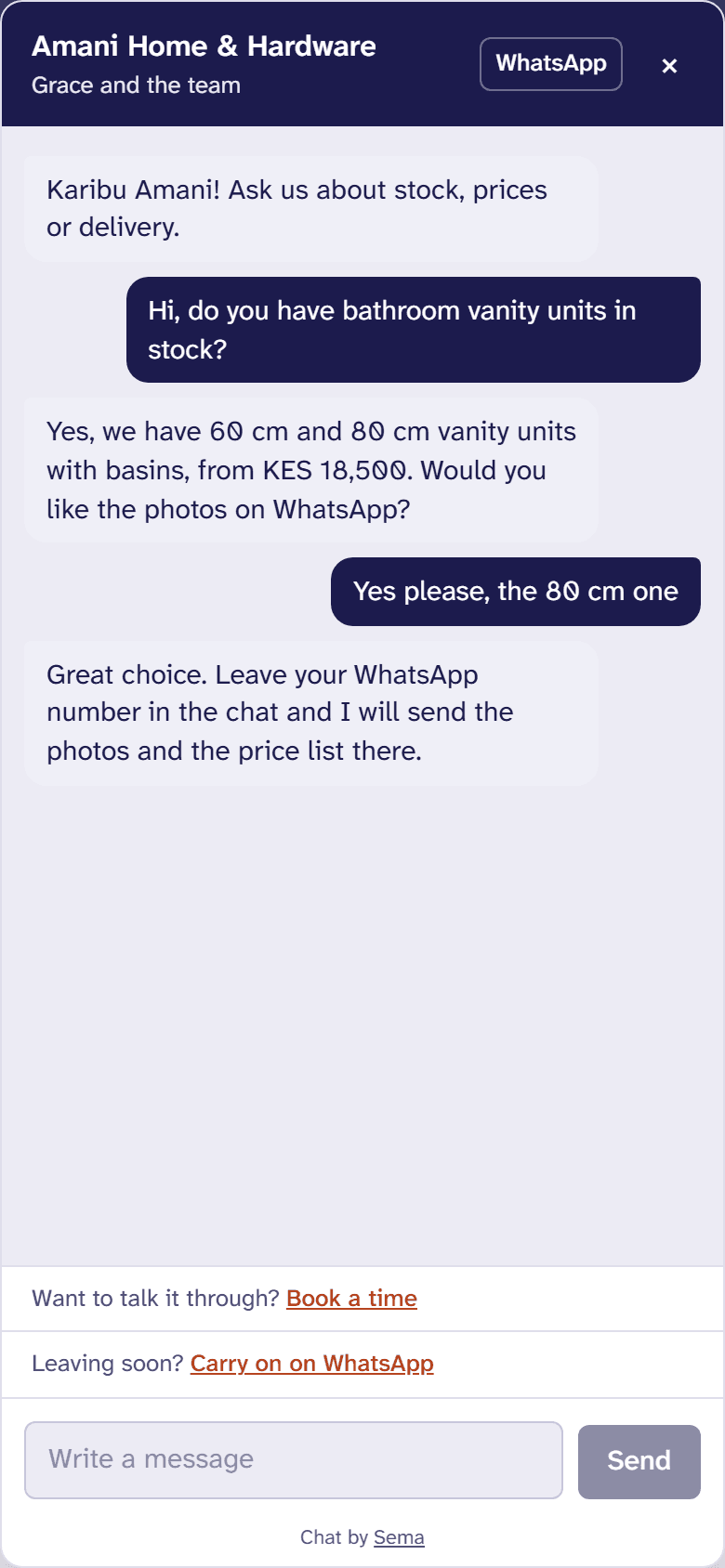
One line on your site, and its visitors are answered from the same inbox, free; leaving a number takes them to WhatsApp.
Instagram and Messenger
Messages to your Facebook Page and its Instagram account in the same inbox, and comments on your posts answered in private.
Notifications on a phone
Install Sema on your phone’s home screen and a new message tells whoever would answer it.
Try it with your own customers.
Every step is in the the inbox in the Help Centre.